THT45 - THT45W - THT46
4.2 DESCRIPTION OF FUNCTION KEYS
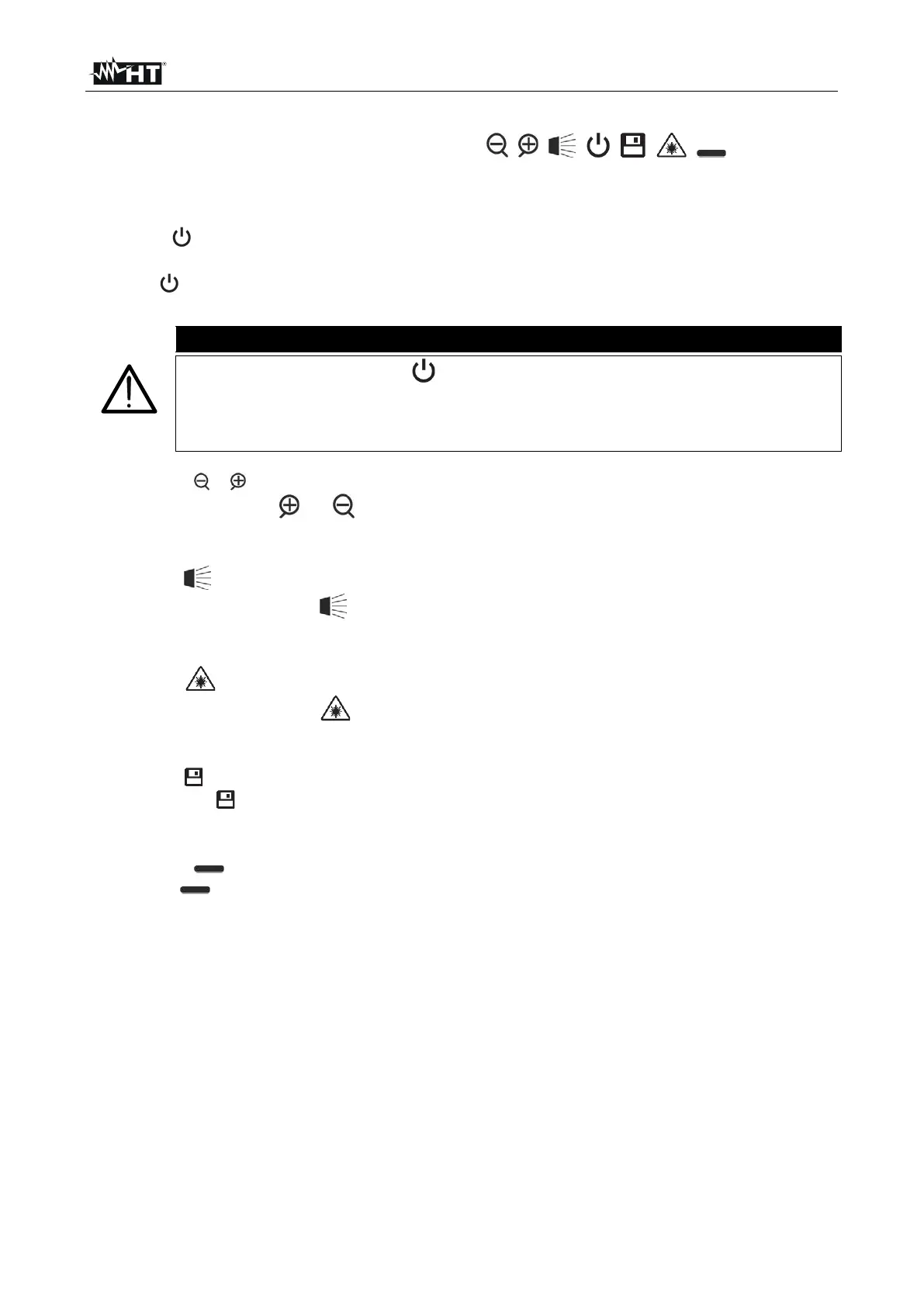
The instrument has 8 function keys indicated as , , , , , , and a trigger
key “T” with multiple functions.
4.2.1 Switching on/off the instrument
Press the button to switch on the instrument. After approx. 10 seconds internal autotest,
the instrument shows its normal measuring screen. To switch off the instrument, press and
hold the key for 2 seconds.
A simple pressing of the key activates the manual calibration of the
instrument, which is necessary if the IR image is out of focus or if you frame a
new subject. The message “Calibration…” is shown on the display for some
seconds.
4.2.2 Keys e
By pressing the keys or you can respectively Zoom in or out the image on the
display (see § 5.1.2). The same keys are also used for the selection of system parameters.
4.2.3 Key
Pressing and hold the key allows activating/deactivating the internal illuminator (see
Fig. 1 – Part 6). The same key is also used for the selection of system parameters.
4.2.4 Key
Pressing and hold the key allows activating/deactivating the laser pointer (see Fig. 1
– Part 7). The same key is also used for the selection of system parameters.
4.2.5 Key
Press the key to access/exit the gallery of images (JPG files) or videos (MP4 files)
available on the micro SD card inserted in the instrument
4.2.6 Keys
The keys are used when programming the instrument respectively to enable a
selection of a parameter or to exit and go back to the main screen. With these keys, you
can also select the adjusting mode of the image between Automatic and Manual (see §
5.2.7).
4.2.7 T key (Trigger)
Pressing the T key found in the front part of the instrument allows saving the image shown
on the display on the micro SD card. Long pressing the T key allows automatically
activating a video (see § 5.4).


 To Next Page