THT45 - THT45W - THT46
6 USING THE THTVIEW APP
The THT45W instrument allows operation in conjunction with the THTview APP available
for iOS / Android systems freely downloadable from the related stores.
Compliance with Android systems release 4.0 or
higher
Compliance with iOS systems release 8.0 or
higher
6.1 FEATURES OF THTVIEW APP
The THTview APP allows the following features:
Real-time WiFi connection with mobile devices (tablet/smartphone)
Real-time analysis of the images present on the display
Insertion of real-time points / lines / areas for advanced analysis
Changing real-time of color palettes
Saving snapshots within the mobile device
Download images from instrument with USB OTG cable connection
Creation of reports in PDF format
Sharing images / snapshots / reports via email, social networks, etc
WiFi connection (AP mode)
1. Enable the WiFi connection on the instrument (see § 5.2.1)
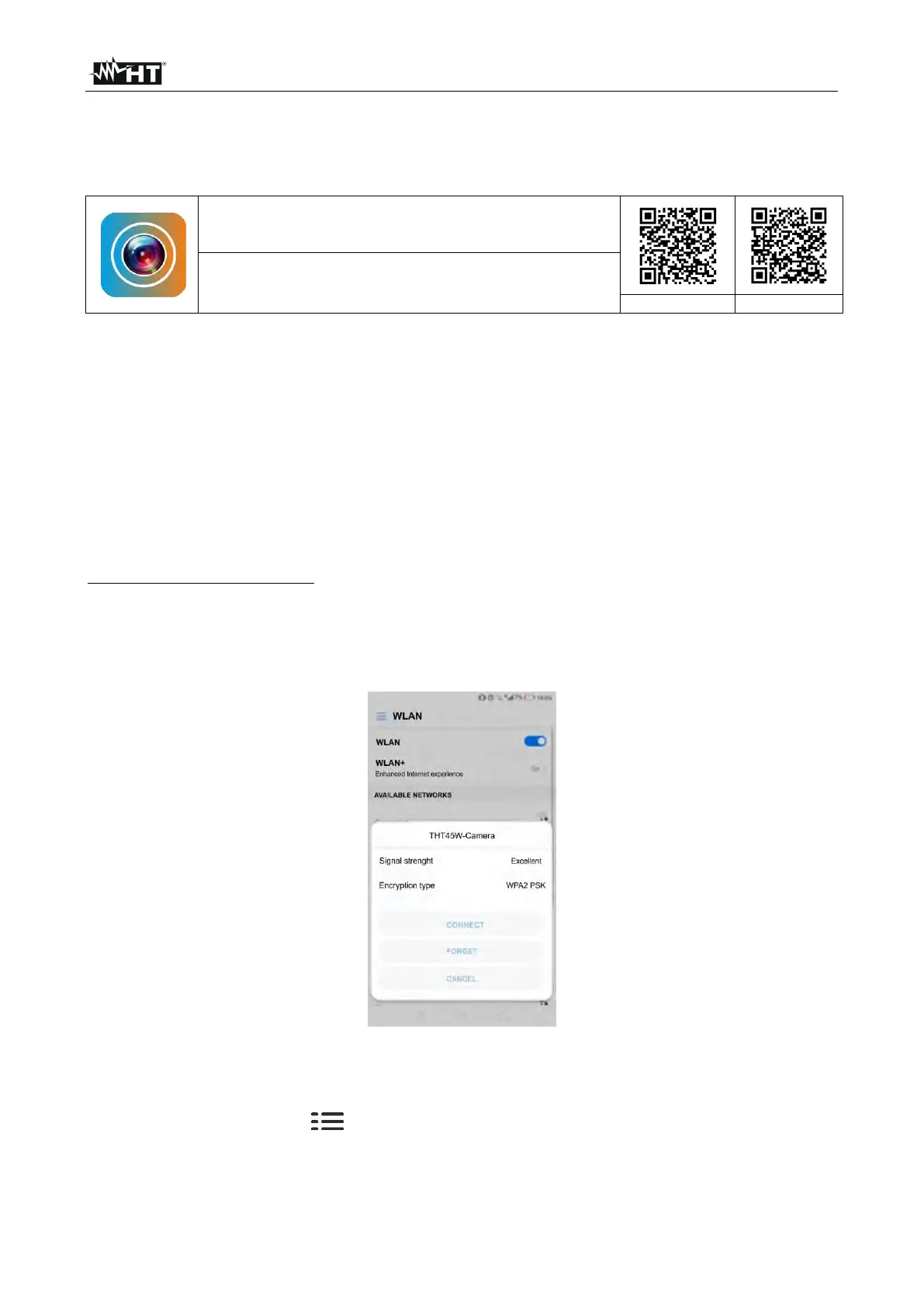
2. Switch on the mobile device and search for the "THT45W-Camera" instrument in the
WiFi connection settings (see example of Fig. 40)
Fig. 40: Example of WiFi connection of the instrument
3. At the Password request, enter "12345678" and make the connection
4. Start the THTview APP
5. Touch the menu icon and select the "WiFi" option (see Fig. 38 - left side) to
activate the real-time display of the image on the instrument on the mobile device
display. The screen of Fig. 41 - center side is shown


 To Next Page