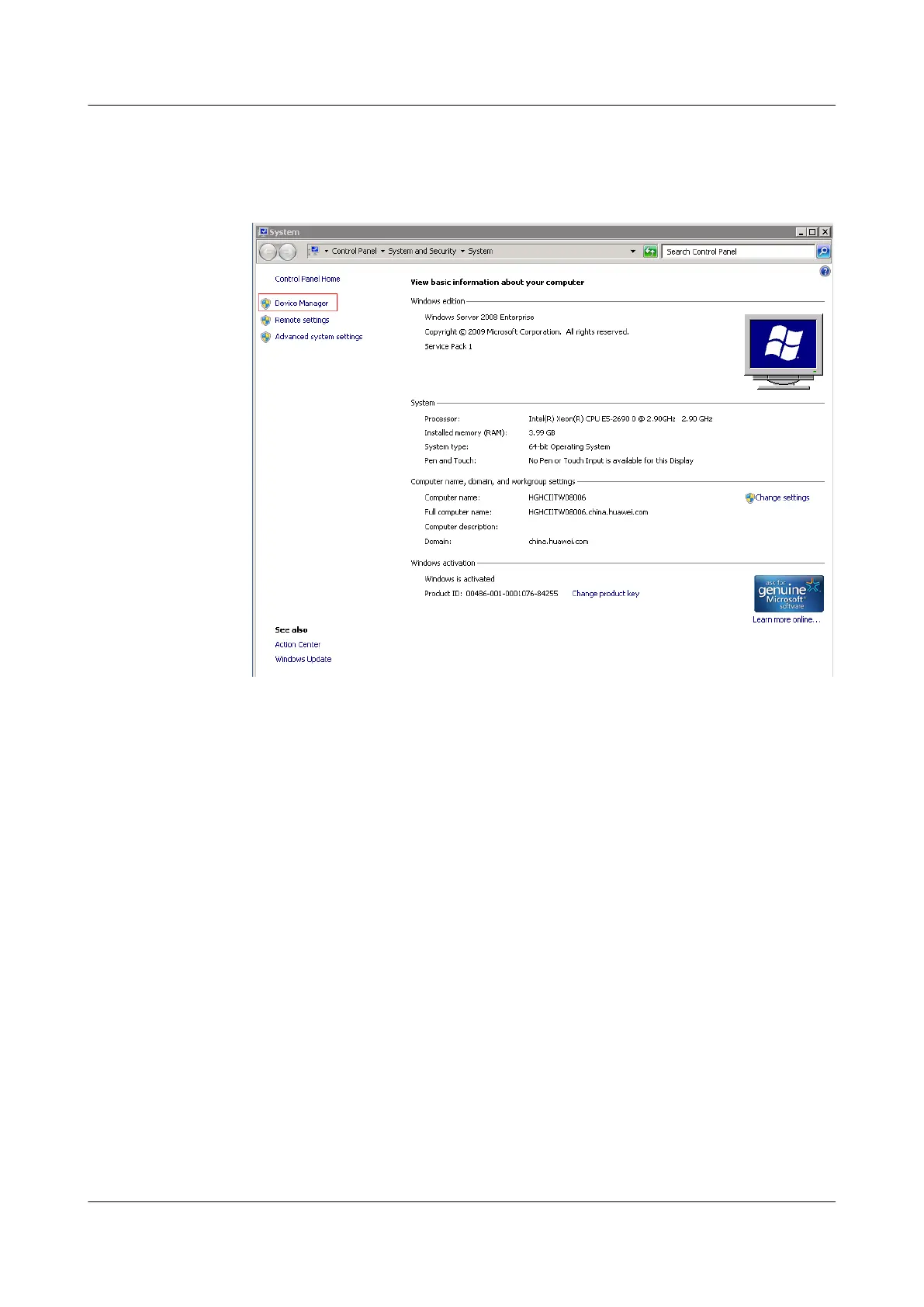
2 Right-click Computer and choose Properties from the shortcut menu. The System
window is displayed, as shown in Figure 3-10.
Figure 3-10 System
3 Click Device Manager. The Device Manager is displayed, as shown in Figure 3-11.
ES3000 V3 NVMe PCIe SSD
User Guide
3 Installation and Configuration
Issue 20 (2019-02-27) Copyright © Huawei Technologies Co., Ltd. 36








 To Next Page