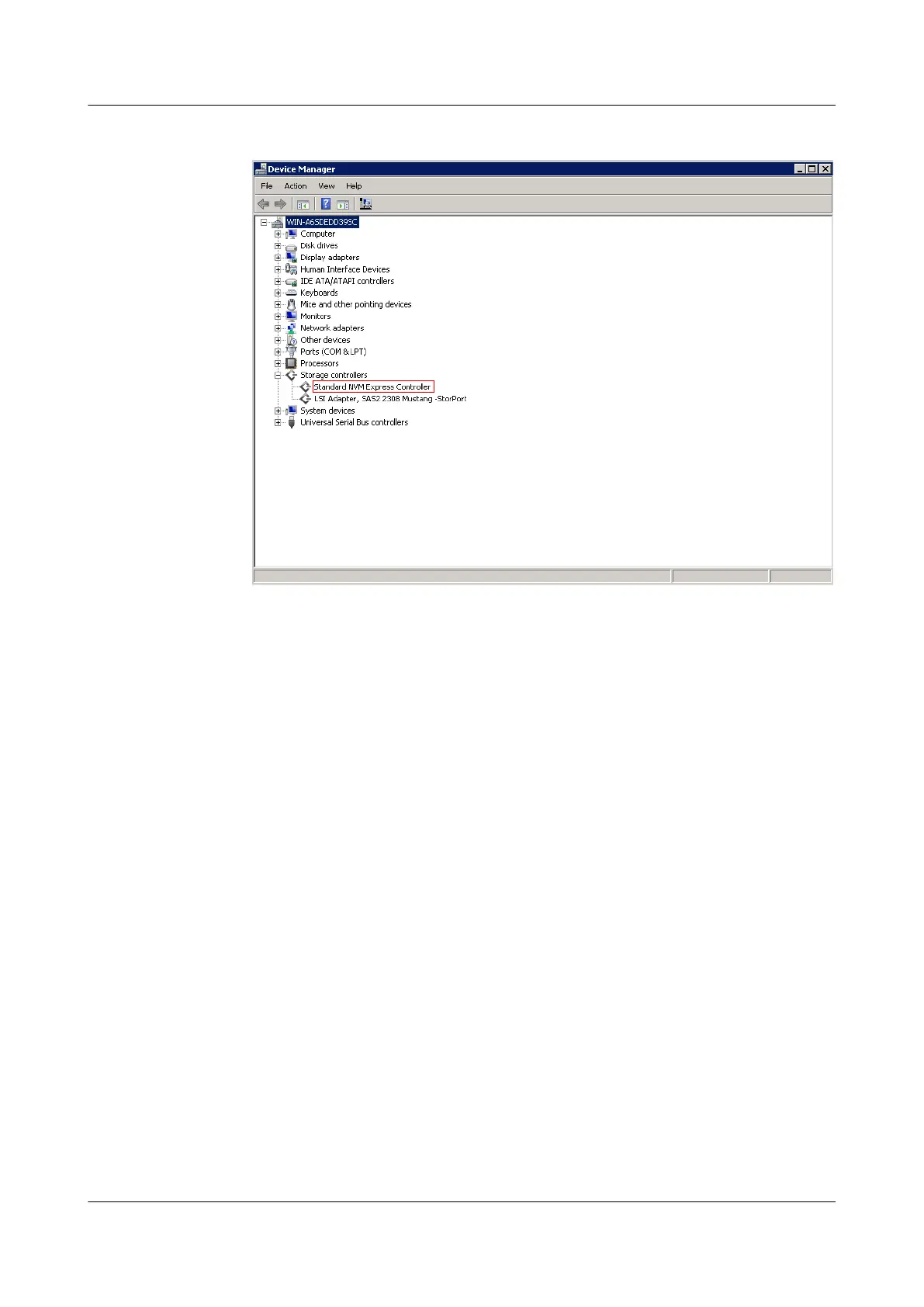
Figure 3-11 Device Manager
The following are three possible cases:
– If the device name is Standard NVM Express Controller, the device uses the
NVMe driver provided by the OS.
– If the device name is Huawei ES3000V3 storage controller, the device uses
Huawei's SSD driver.
– The device does not have a driver.
4 Determine the next step based on the driver type.
– If the driver is provided by the OS, go to 5.
– If the driver is provided by Huawei, uninstall the driver by referring to 5.1.2
Uninstalling the Driver in Windows and go to 8.
– If the device does not have a driver, go to 8.
5 Choose Start > Control Panel > Programs and Features.
6 Click View installed updates. The Installed Updates window is displayed, as shown in
Figure 3-12.
ES3000 V3 NVMe PCIe SSD
User Guide
3 Installation and Configuration
Issue 20 (2019-02-27) Copyright © Huawei Technologies Co., Ltd. 37








 To Next Page