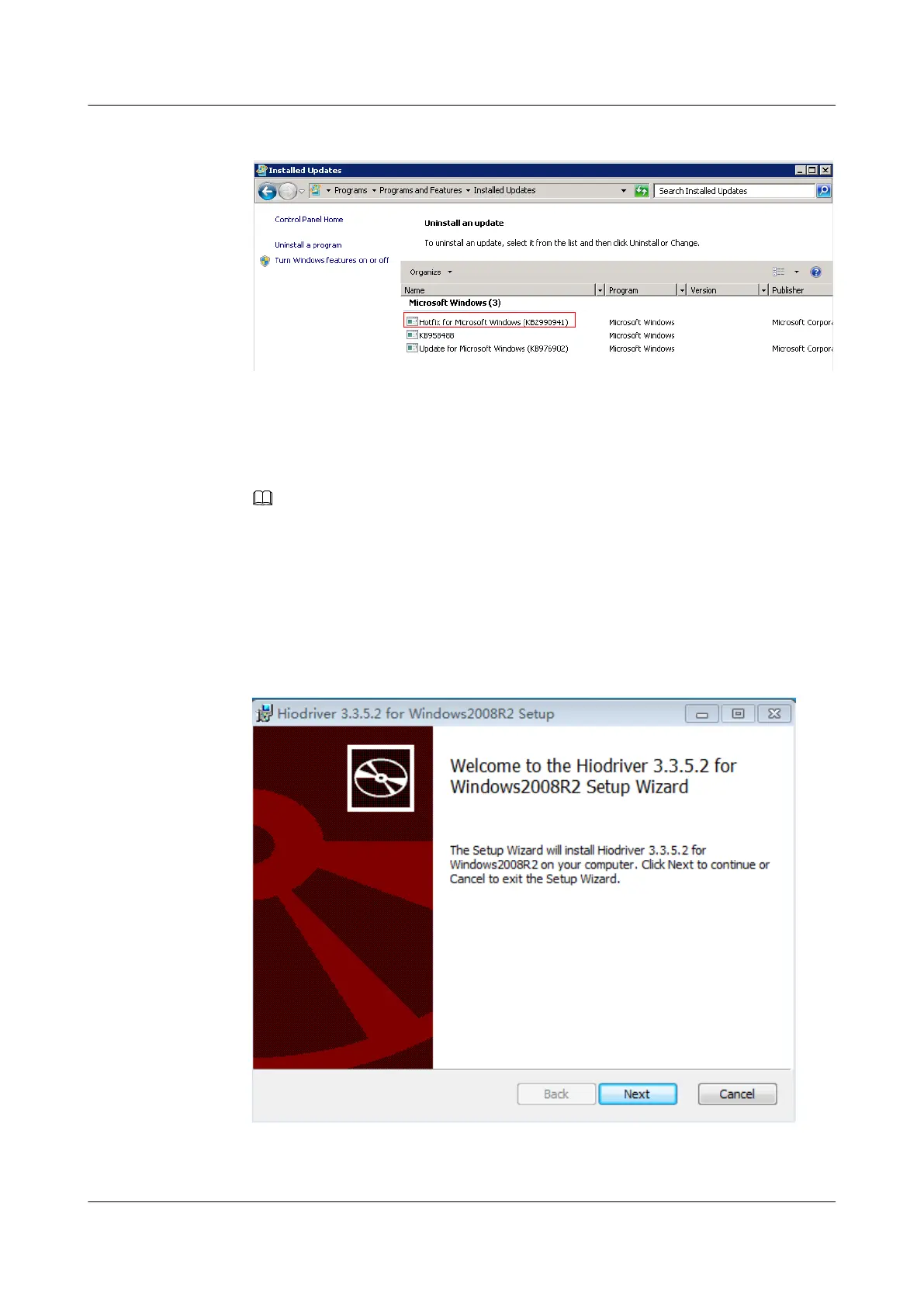
Figure 3-12 Installed Updates
7 Right-click the KB2990941 patch in the Microsoft Windows column and choose
Uninstall from the shortcut menu.
Install the driver.
8 Double-click the driver installation file hiodriver_v3.3.5.2_2008R2_x84_64.msi.
NOTE
There are three driver installation file types for three Windows versions. *.*.*.* indicates the version
number. This procedure uses hiodriver_v3.3.5.2_2008R2_x84_64.msi as an example.
– hiodriver_v*.*.*.*_2008R2_x84_64.msi
– hiodriver_v*.*.*.*_2012_x84_64.msi
– hiodriver_v*.*.*.*_2012R2_x84_64.msi
The installation interface is displayed, as shown in Figure 3-13.
Figure 3-13 Installation interface
ES3000 V3 NVMe PCIe SSD
User Guide
3 Installation and Configuration
Issue 20 (2019-02-27) Copyright © Huawei Technologies Co., Ltd. 38








 To Next Page