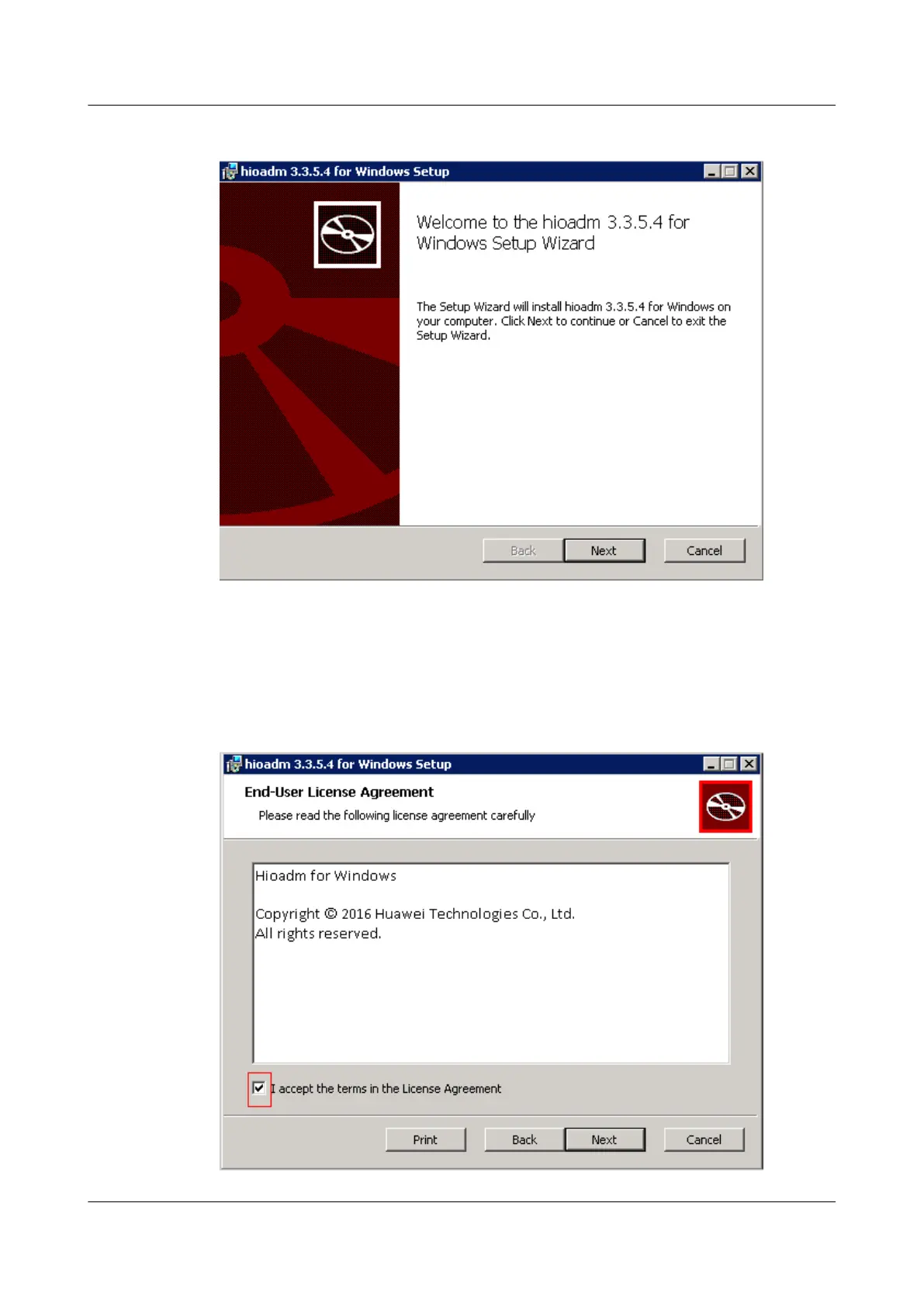
Figure 3-20 Installation interface
Step 3 Click Next.
The End-User License Agreement window is displayed, as shown in Figure 3-21.
Figure 3-21 End-User License Agreement window
ES3000 V3 NVMe PCIe SSD
User Guide
3 Installation and Configuration
Issue 20 (2019-02-27) Copyright © Huawei Technologies Co., Ltd. 45



 To Next Page