Accessing the Internet
113
Check that the screen is unlocked on both phones and ensure that NFC is enabled. Enable Android
Beam on the other phone (if required).
1
Select the web page or contact that you want to share.
2
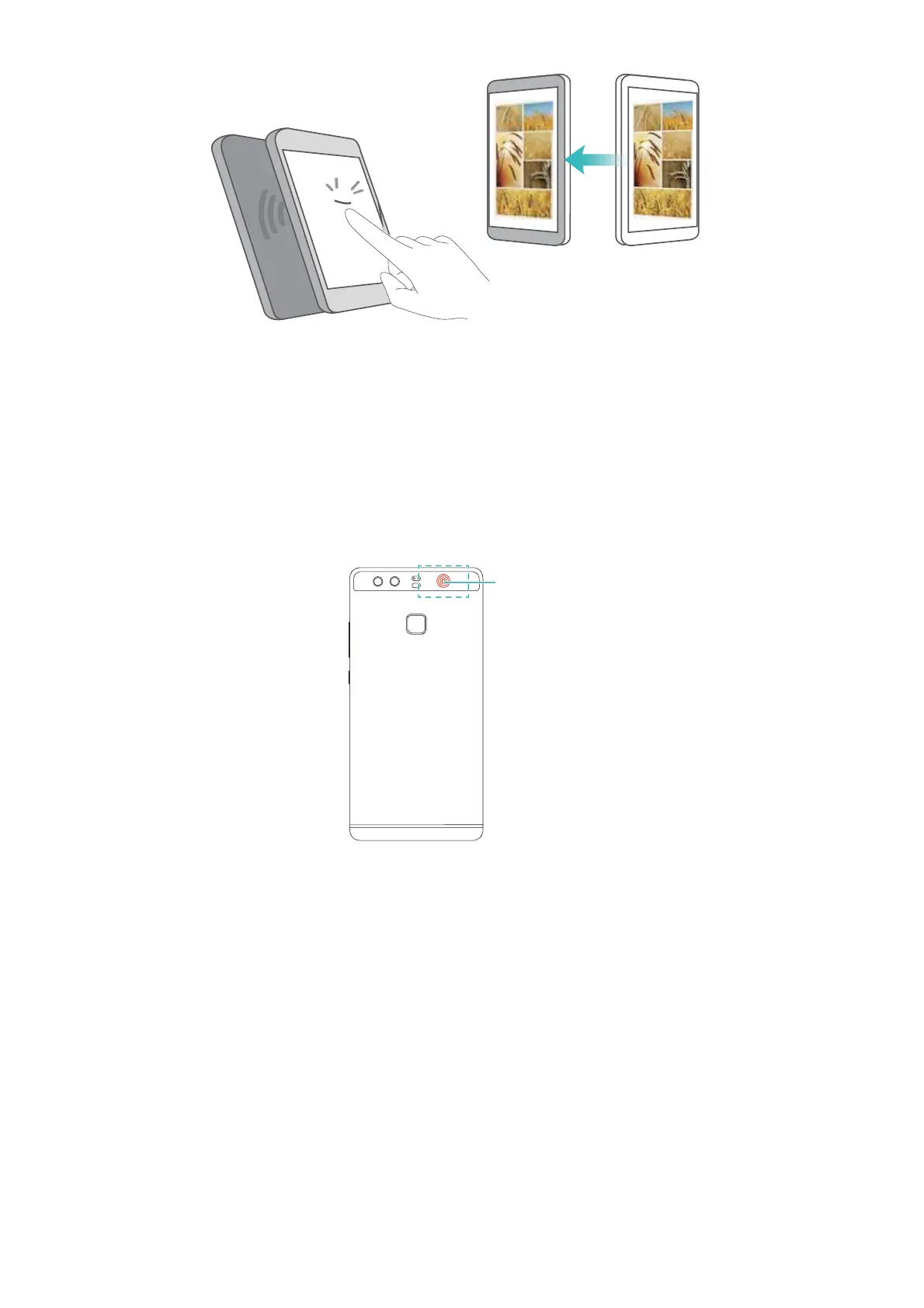
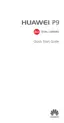
Hold your mobile phone and the receiving device back to back. Your phone's NFC sensor is
located next to the rear camera. After a connection is established, a sound will be played and
the content you are sharing will shrink on the screen.
3
Follow the onscreen instructions and touch the screen to share data with the other device.
NFC payments
Use NFC-enabled SIM cards to make payments. Contact your carrier for details.
Check that you are using an NFC-enabled SIM card and then install your carrier's payment app.
When configuring the default payment application, touch
More
>
NFC
>
Default payment app
on the settings screen and then select a payment app supported by your carrier. Contact your
carrier for details.
NFC



 To Next Page