Calls and Contacts
52
Calls and Contacts
Making calls
Smart dialing
Enter the name, initials, or number of a contact in the dialer. Your phone will display matching
contacts.
1
Open
Dialer
.
2
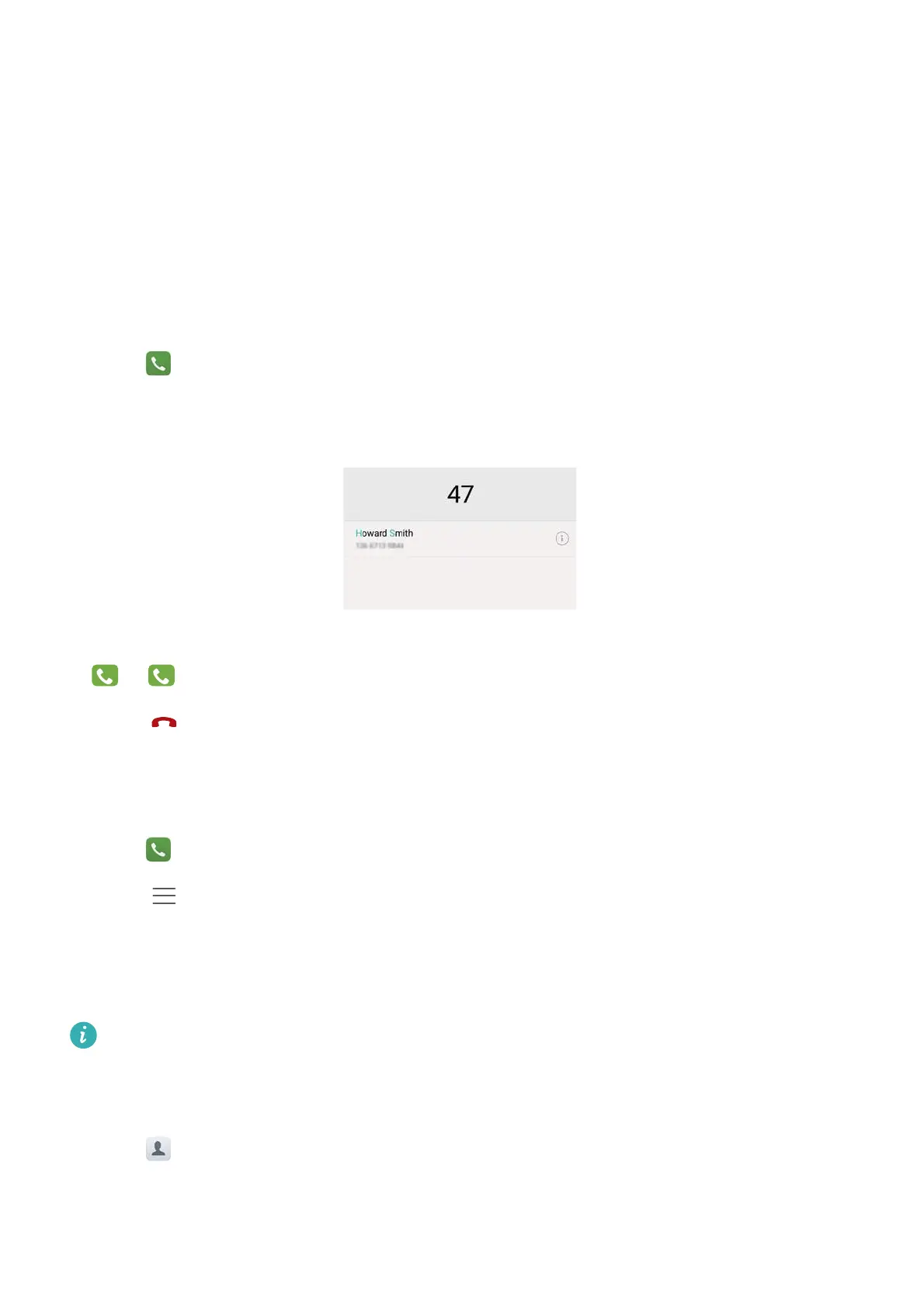
Enter the name or initials of a contact in the dialer (for example, Howard Smith or HS). Your
phone will search your contacts and call log and list the results above the dialer.
3
From the list, select the contact you want to call. If your phone has dual SIM support, touch
or to make a call.
4
Touch to end the call.
Enabling quick calling
Call people quickly even when the screen is switched off.
1
Open
Dialer
.
2
Touch >
Settings
>
Quick calling
and then turn on the
Quick calling
switch.
Press and hold the volume down button for one second when the screen is off. When you hear
the alert sound, release the volume down button and say the name of the contact you want to
call. The phone will dial their number.
When using a Bluetooth headset, press and hold the headset dialing key to enable quick
calling.
Making a call from Contacts
1
Open
Contacts
.
2
Touch the search bar and enter the name or initials of the person you want to call. For more
information on searching for contacts, see Finding a contact.
1



 To Next Page