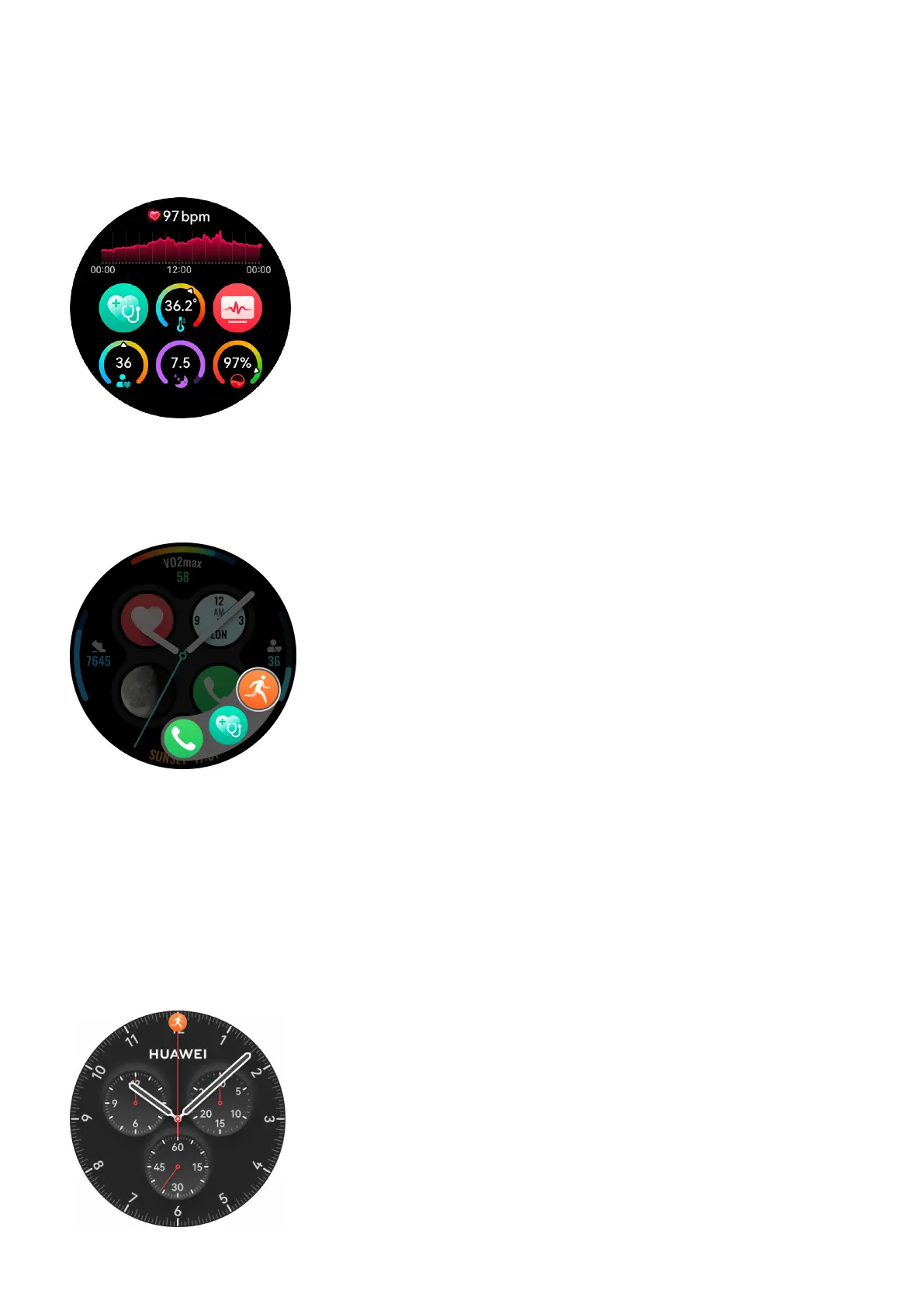
Customizing components of Universal cards
Components of Universal cards can be customized and grouped to suit your needs. To do so,
swipe left on the watch home screen, touch and hold any card, touch the Settings icon at the
bottom of the screen, and select the components you wish to include in a Universal card.
Customizing the Down button feature
To customize the Down button to quickly access frequently-used apps, press the Up button to
enter the app list, go to Settings > Down button, and select apps for your custom setting.
Returning to ongoing apps
You can set to have your device status, such as Do Not Disturb or Sleep mode, and your
ongoing tasks minimized as a oating task ball on the top of the watch face. Touching the
ball redirects you to the corresponding app instantly, whether it's a timer, stopwatch,
workout, or call. For display settings on the watch face, go to Settings > Watch face &
home > Display task statuses, and toggle on or o the switches for Tasks in progress and
Device status.
Getting Started
8















 To Next Page