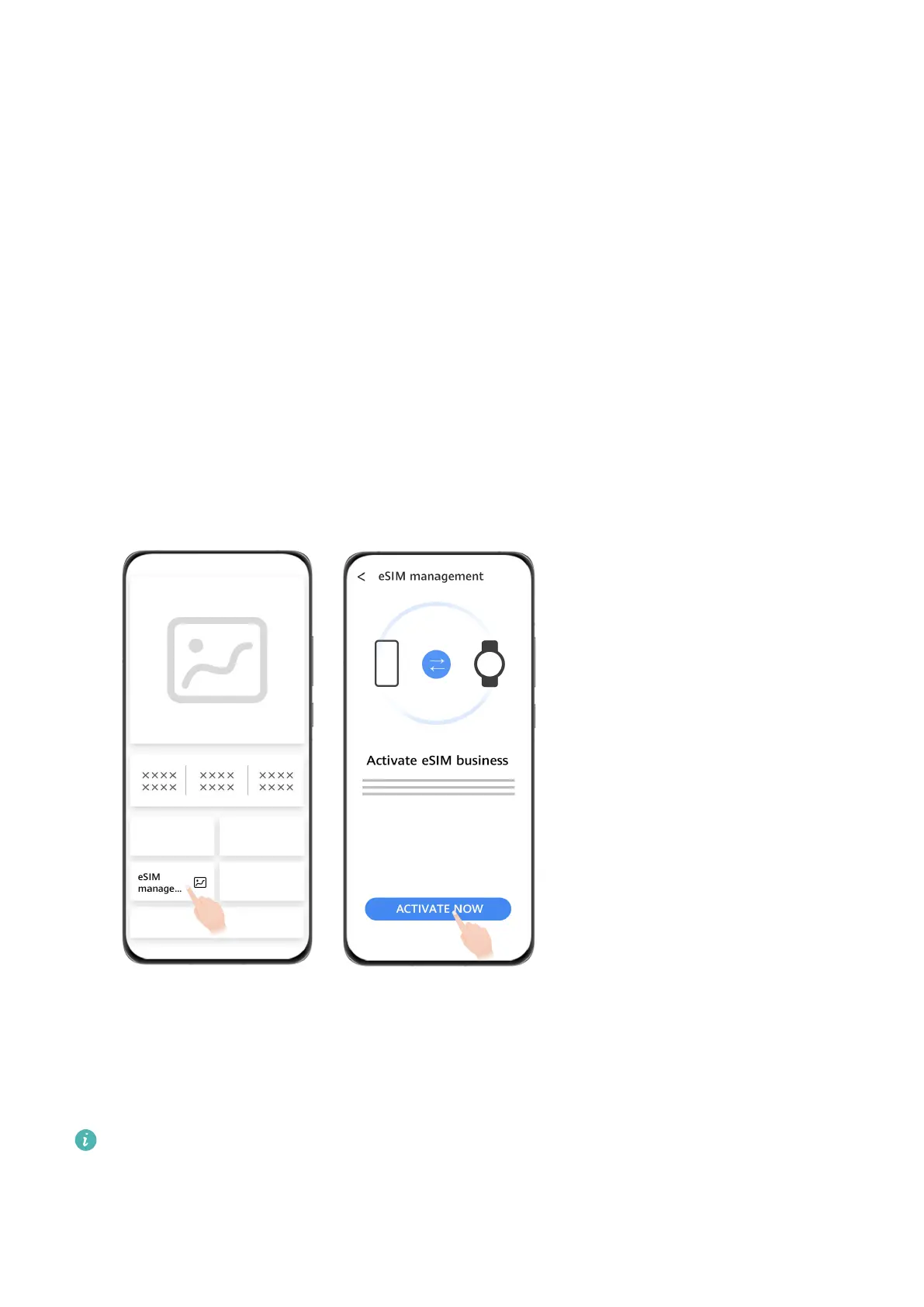
Activating the eSIM service
Requirements
• To activate the eSIM One Number service, your SIM card must be the primary card (default
card).
• Your watch must be connected to your phone via Bluetooth and your phone must be able
to access the Internet.
• Your watch's battery level must be higher than 20%.
• If you're using an iPhone, connect your watch to a WLAN rst.
Activation
1 Connect your watch to your phone using the Huawei Health app.
2 Navigate to the device details screen, go to eSIM management > One number, two
devices > Activate or eSIM management > Standalone number > Activate, select the
SIM card or carrier, and touch Continue.
3 Follow the onscreen instructions to activate the service by scanning the QR code of your
carrier. Enter the verication code sent by your carrier if necessary.
4 The eSIM service will be automatically activated after the eSIM account is downloaded
and congured on your watch for the rst time.
Do not perform any operations on the watch during the eSIM service activation.
Making calls on your watch
Your watch supports Bluetooth calls and standalone eSIM calls in dierent situations.
eSIM subscription
17















 To Next Page