Finding your phone using your watch
As long as your watch is connected to your phone via Bluetooth, you can quickly locate your
phone using your watch. To do so, swipe down on the watch home screen to open the
shortcut menu, touch Find Phone ( ), and follow the ringtone played on your phone to
nd it.
Health data on your watch
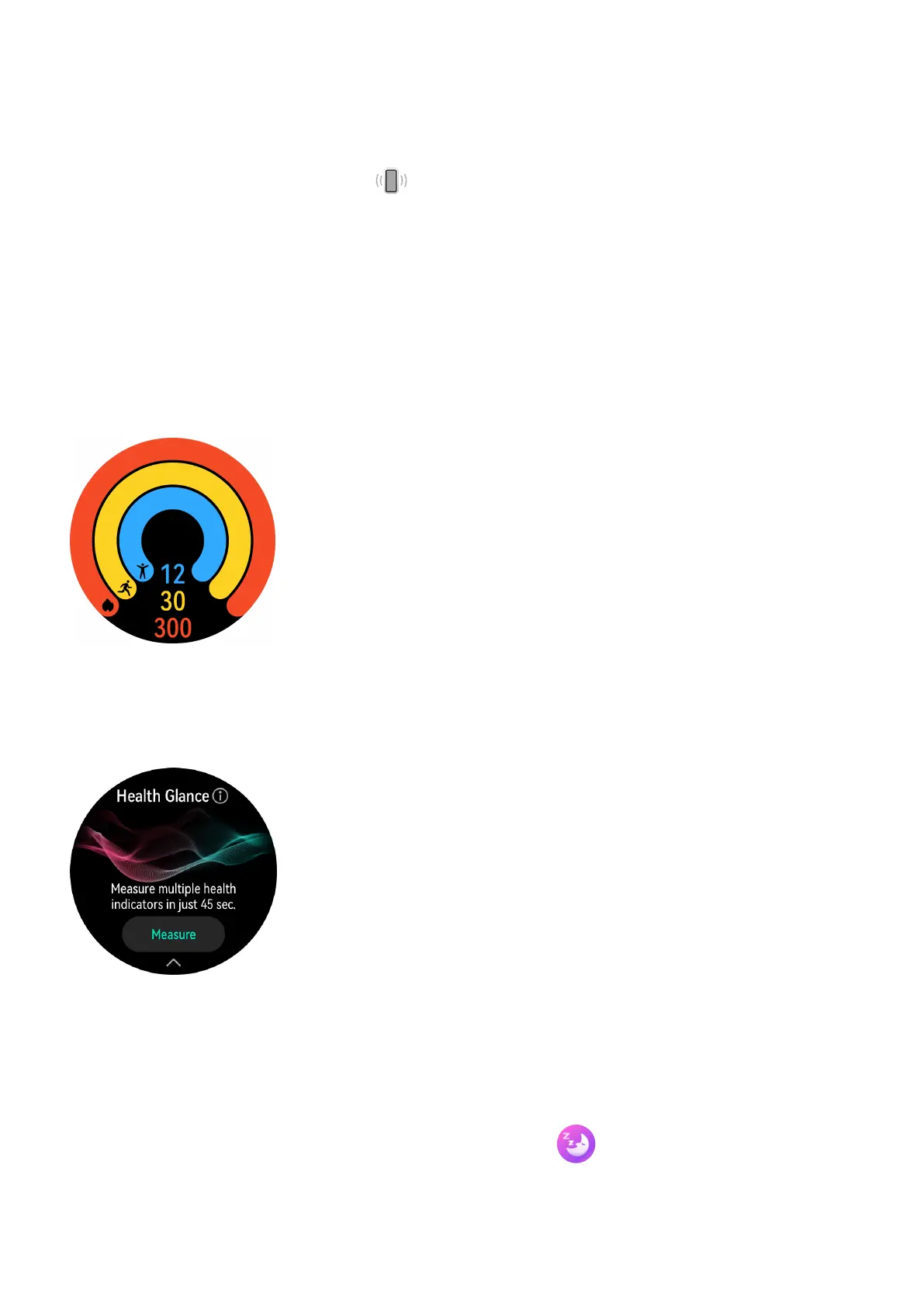
Activity rings
Activity rings track your daily physical activity with three types of data (three rings): Move,
Exercise, and Stand. Reaching your goals for all three rings can help you lead a healthier life.
Health Glance
Health Glance tracks multiple vital health indicators in one go, including your heart rate,
ECG, SpO2, and stress.
Sleep monitoring
Keep your wearable device properly on while sleeping, and it will automatically record your
sleep duration, identify whether you are in deep sleep, light sleep, or awake, as well as
provide science-based, personalized services and tips for sleep improvement. Press the Up
button on your watch to enter the app list. Touch Sleep ( ) to view your night sleep and
nap data of the current day.
Getting Started
6















 To Next Page