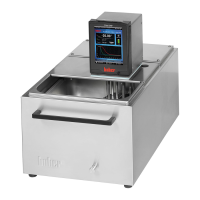
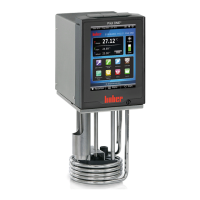
Example: Indication when choosing Large display
Enter program
This corresponds to Function F20 in the Funct.-no. menu.
Here it is possible to write new programs, or programs already written can be edited
and changed or erased. (add segments, insert segments, delete segments or edit
segments) or erase whole programs.
Also one can set a particular behaviour at the end of the program through Stop temp.
control, Continue temperature control (temperature is continued at the last set-point) or
Repeat (the temperature program is restarted). One can also display the program
elements as text or graphic. Working with the program creator will be described below.
L
L
e
v
e
l
TInternal °C



 To Next Page