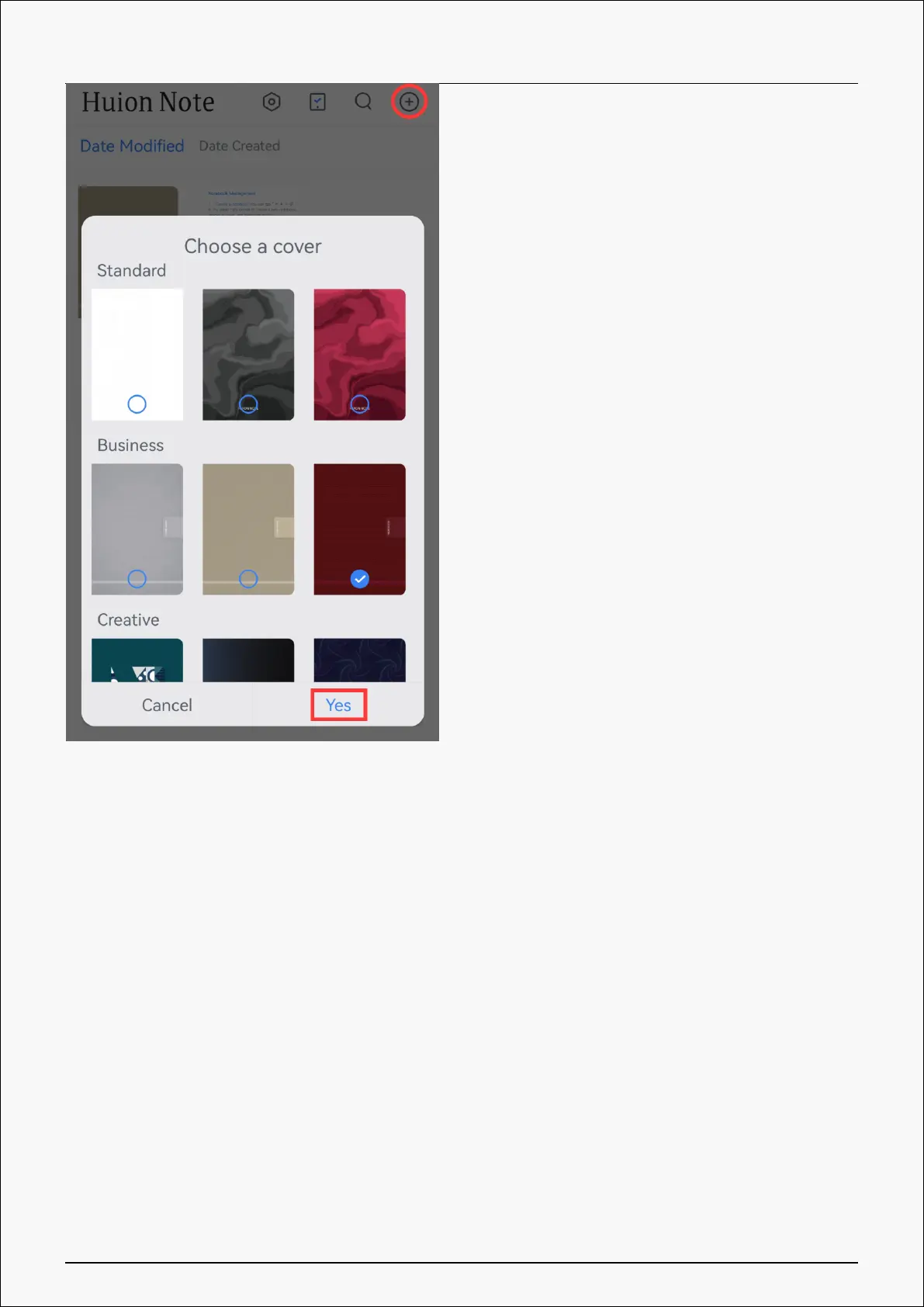
2. Create online simultaneous digital notes: After Huion Note application is connected to the
hardware, you need to open a digital notebook within the application. Then you can write in
this notebook with your fingers on the screen of your phone or tablet to create an online note.
Or you can note down on the notepad inside the smart digital notebook, and then your
handwriting on the paper will be converted into digitized notes and displayed on the
application in real time, indicating you are creating online simultaneous digital notes.
3. Create a new digital page: You can create a new digital page via Huion Note hardware or
application.
①Find and press the function button on the top right of the smart digital notebook
②In Huion Note application, find the Add Page button on the bottom and tap it.
Create Offline Digital Notes with Huion Note Hardware
9 / 44








 To Next Page