5. Remove the three wheel nuts holding the spare tire
onto the tire carrier.
6. Pull off the spare tire and gently lower it to the
ground. Set it next to the flat tire.
Removing the Flat Tire and
Installing the Spare Tire
Jack (SUV and SUT)
1. Do a safety check before proceeding. See Changing
a Flat Tire on page 5-78 for more information.
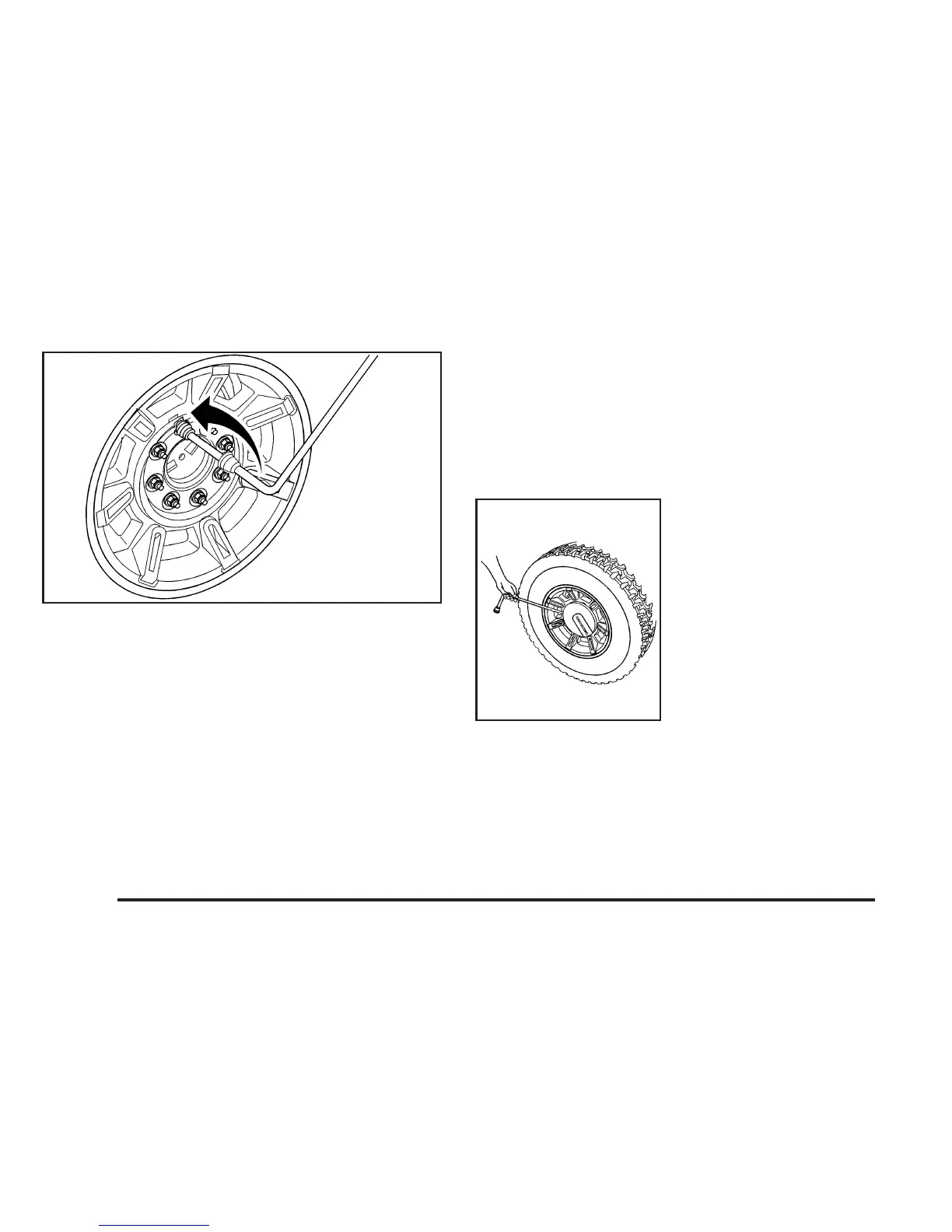
2. To remove the center
cap, place the flat end
of the wheel wrench
in the slot on the wheel
and carefully pry the
center cap out.
3. Attach the wheel wrench to the extender.
5-88



 To Next Page
 Loading...