25 Fish Finder Setup
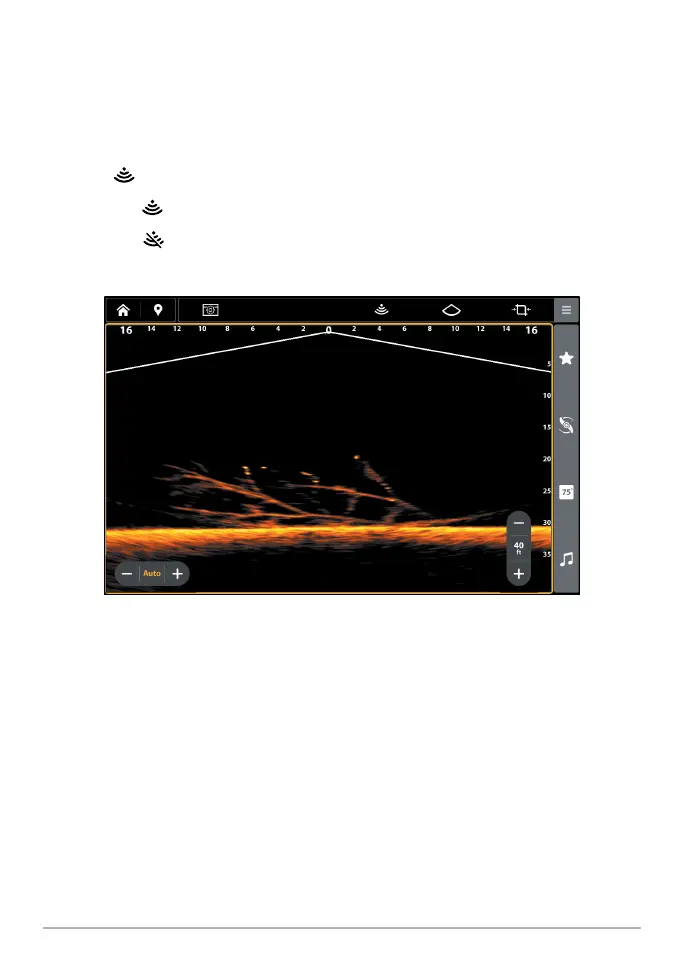
• Blocked Beams: If the beams hit a hard surface, it will appear as bright
white on the display. If the beams are blocked by any objects, move the
objects if possible. You can also adjust the MEGA Live 2 Range on the
X-Press Menu to see more or less detail on the display.
4. Stop Pinging: When you are fi nished reviewing the operation, tap the Ping
icon from the MEGA Live 2 top bar.
Ping on:
Ping off:
Reviewing the MEGA Live 2 View
(Down)



 To Next Page