14
ONIX Touch Screen and Keypad
ONIX TOUCH SCREEN AND KEYPAD
C
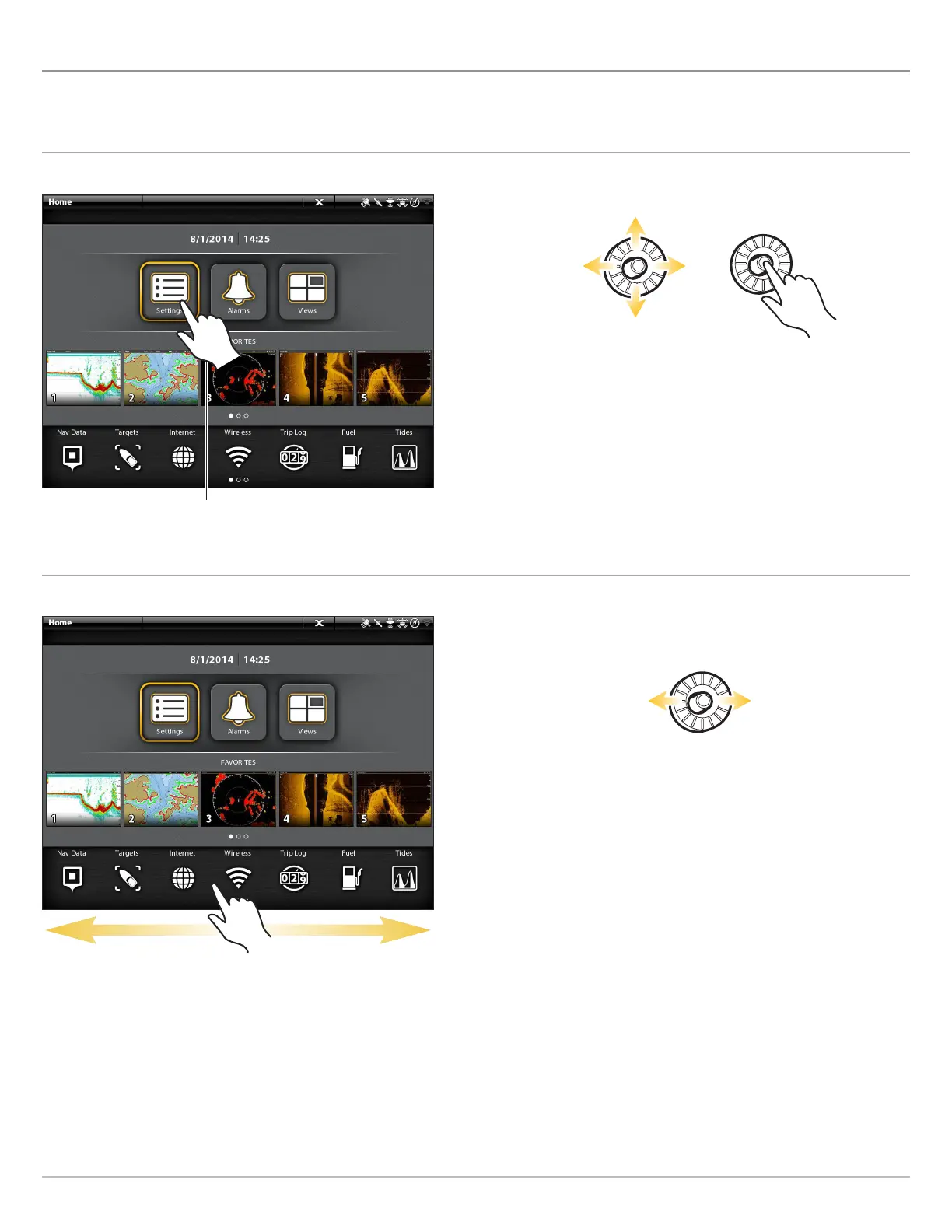
ross Touch models allow you to use the touch screen and the keypad to select menus and start actions on the control head. If you
h
ave a Non-Tactile model, you will use the keypad exclusively for all your control head functions.
Select a Tool, View, or Menu
Touch Screen Keypad
Scroll to See More
Touch Screen Keypad
Select Open
Swipe Left or Right
Move Left or Right
Tap to Select


 To Next Page
 Loading...











