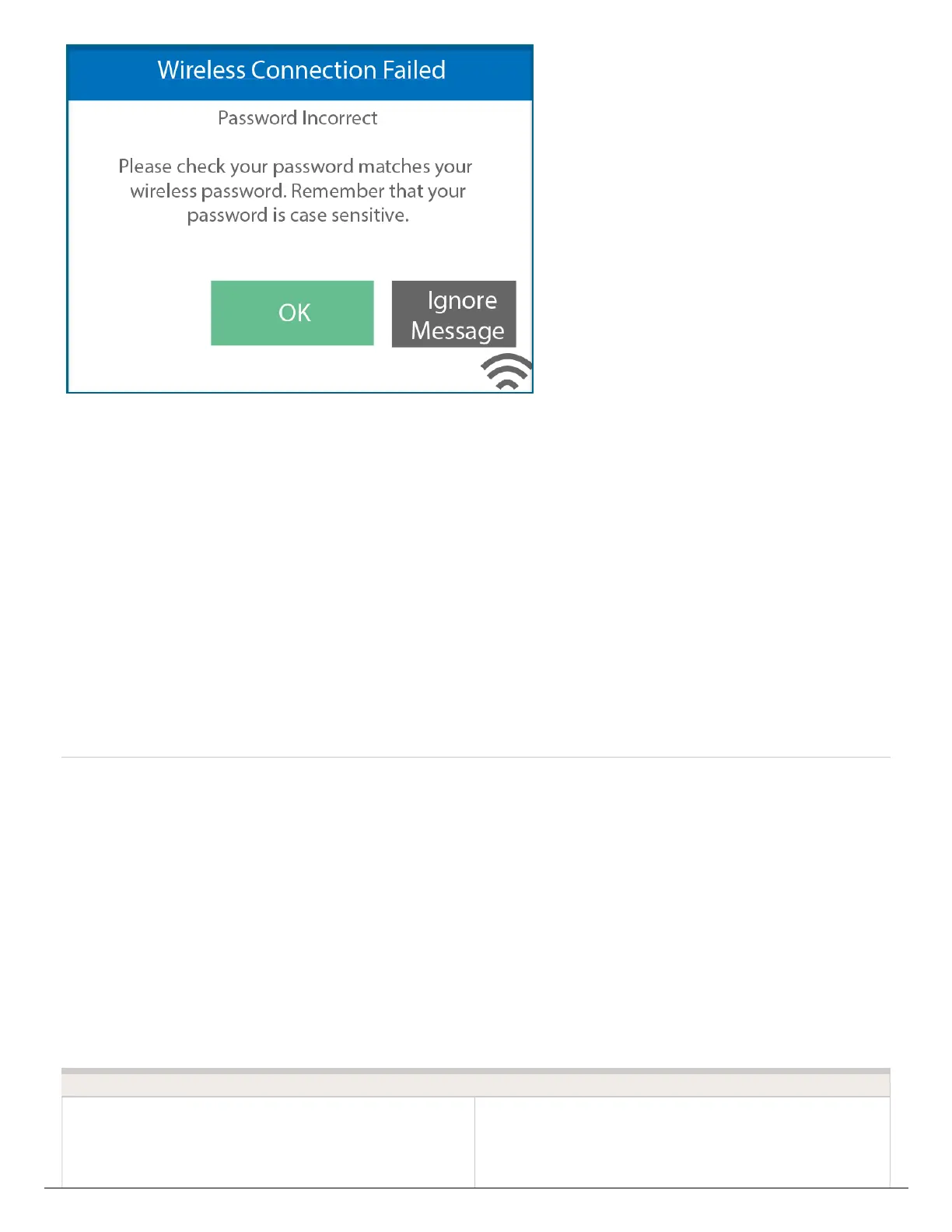
1. Go to SETTINGS, WIRELESS, PASSWORD.
2. Clear password by pressing back until the password is cleared, then press OK.
3. Select SECURITY TYPE and change to AUTO-DETECT.
4. Select CONFIRM.
5. Select PASSWORD and enter the same PASSWORD.
6. Check the status of connection by selecting STATUS > CONTROLLER STATUS.
7. The SERVER STATUS will have a message that is displayed "OK-UPDATED xx
SECONDS AGO."
This indicates the controller is fully connected.
Apps and Videos to Help
Determine Wi-Fi Strength
A reliable Wi-Fi connection is necessary to operate Hunter Wi-Fi enabled products. The
following apps can help you test Wi-Fi signal strength at your location.
Phone App Download





 To Next Page