Using Mobile Hotspot with
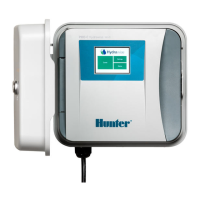
Controller
If you have no internet access or poor internet access, you can use your smartphone as a
hotspot (temporary wifi connection) to do either of the following:
Testing controller
Programming controller with no WiFi (e.g; new construction)
Depending on your smartphone, please use either guide to activate your hotspot:
Apple hotspot [15]
Android hotspot [16]
Once you activate your hotspot, connect the controller to verify the Wi-Fi on the controller is
working properly. You can do this by following the steps here [26].
IMPORTANT: If using the WAND device with the X2 controller model, you will not be able
to use the phone you are using for setup as a hotspot. The connection process for SAP
connection mode is done through the app so a separate device would be needed (e.g;
iPad, another smartphone, laptop etc.).
Testing controller
Using a hotspot is a great way to make sure your controller is working properly and has the
latest firmware. The hotspot will allow for a high signal strength making sure the controller
downloads the firmware needed to have a stable connection. For information on checking
firmware, please visit section here [27].
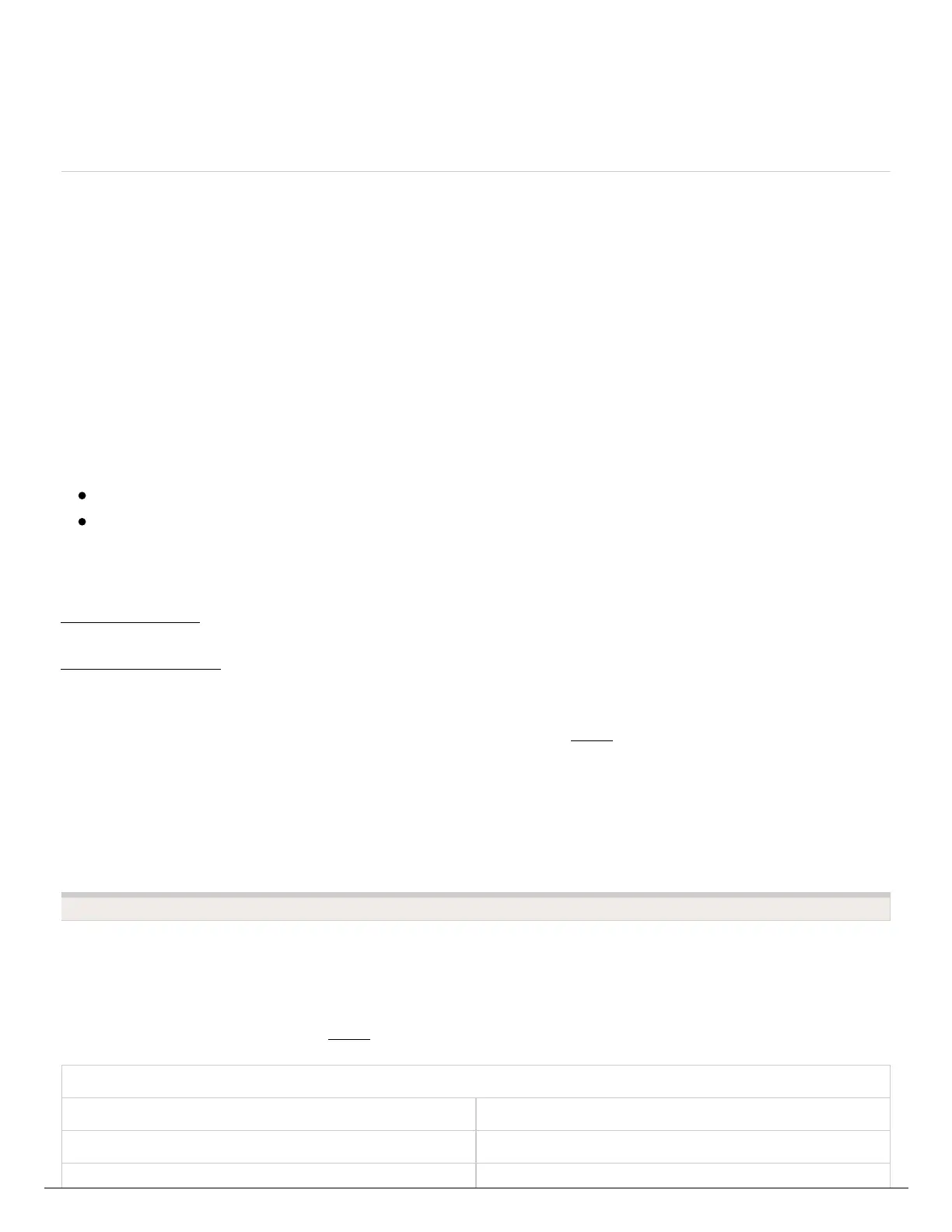
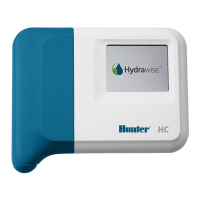
Hydrawise Controller Firmware
HC 6: (C05 Serial #) 2.05
HC 12: (C05 Serial #) 1.89




 To Next Page