Setting Up a Static IP Address
STATIC IP addresses are useful if you want to consistently have the same IP address. In
this guide, you will learn how to set up a static IP address instead of using DHCP.
IMPORTANT (X2 WAND Controllers Only): Configuring a static IP for WAND is only
achievable through the user's Router Settings network webpage after the WAND has
connected to the Wi-Fi network. With WAND, there is no option to manipulate DHCP like in
our touchscreen controllers.
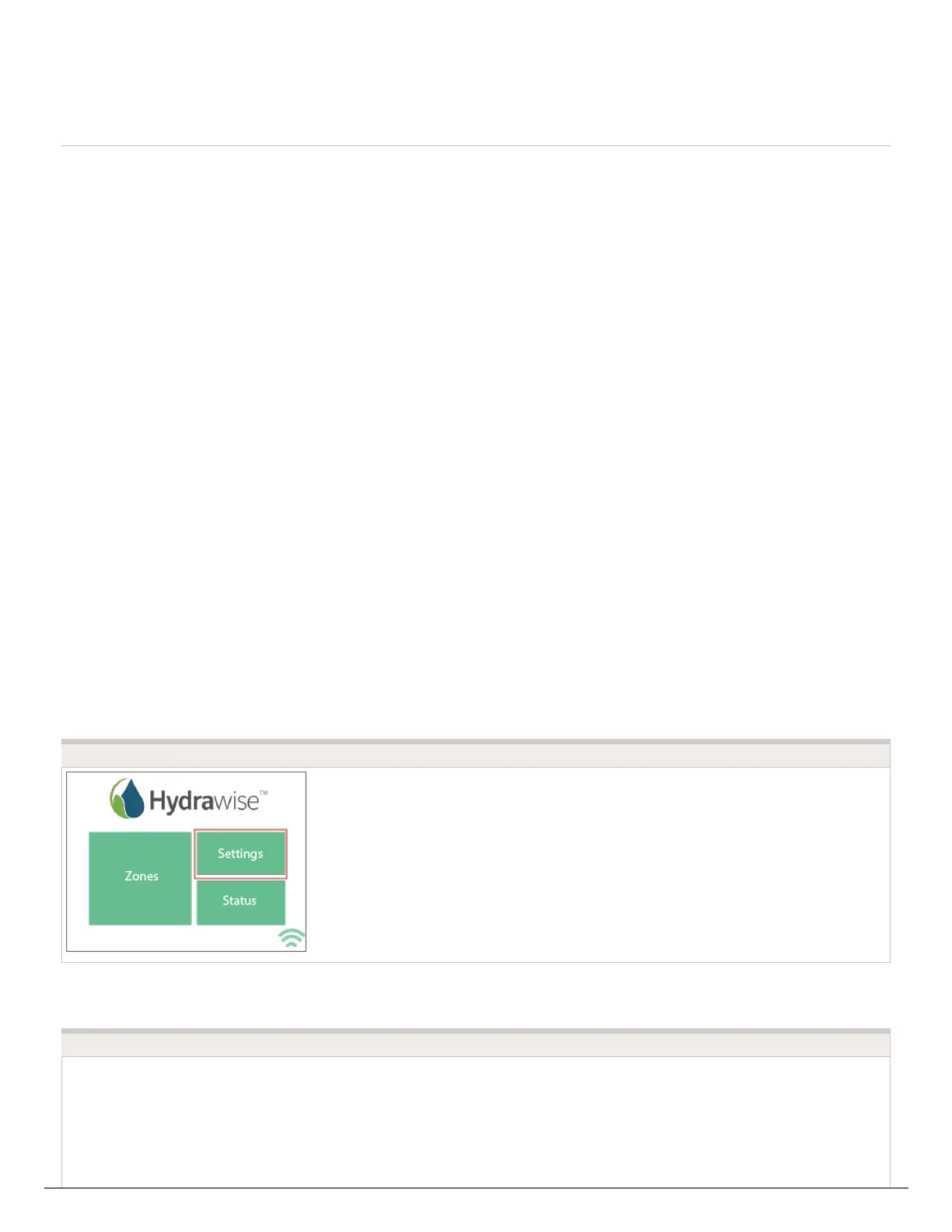
1. From the controller's home screen, tap on SETTINGS.
2. Tap on WIRELESS.
3. Tap on NETWORK MODE - DHCP MODE.
4. Tap on ENTER NETWORK SETTINGS MANUALLY then tap on CONFIRM.
>
STEP 1
STEP 2





 To Next Page