Pg. 2.1
SECTION 2A, SECTION 2A,
SECTION 2A, SECTION 2A,
SECTION 2A,
THE CONTROL CONSOLETHE CONTROL CONSOLE
THE CONTROL CONSOLETHE CONTROL CONSOLE
THE CONTROL CONSOLE
STST
STST
ST
ARAR
ARAR
AR
TT
TT
T
-UP-UP
-UP-UP
-UP
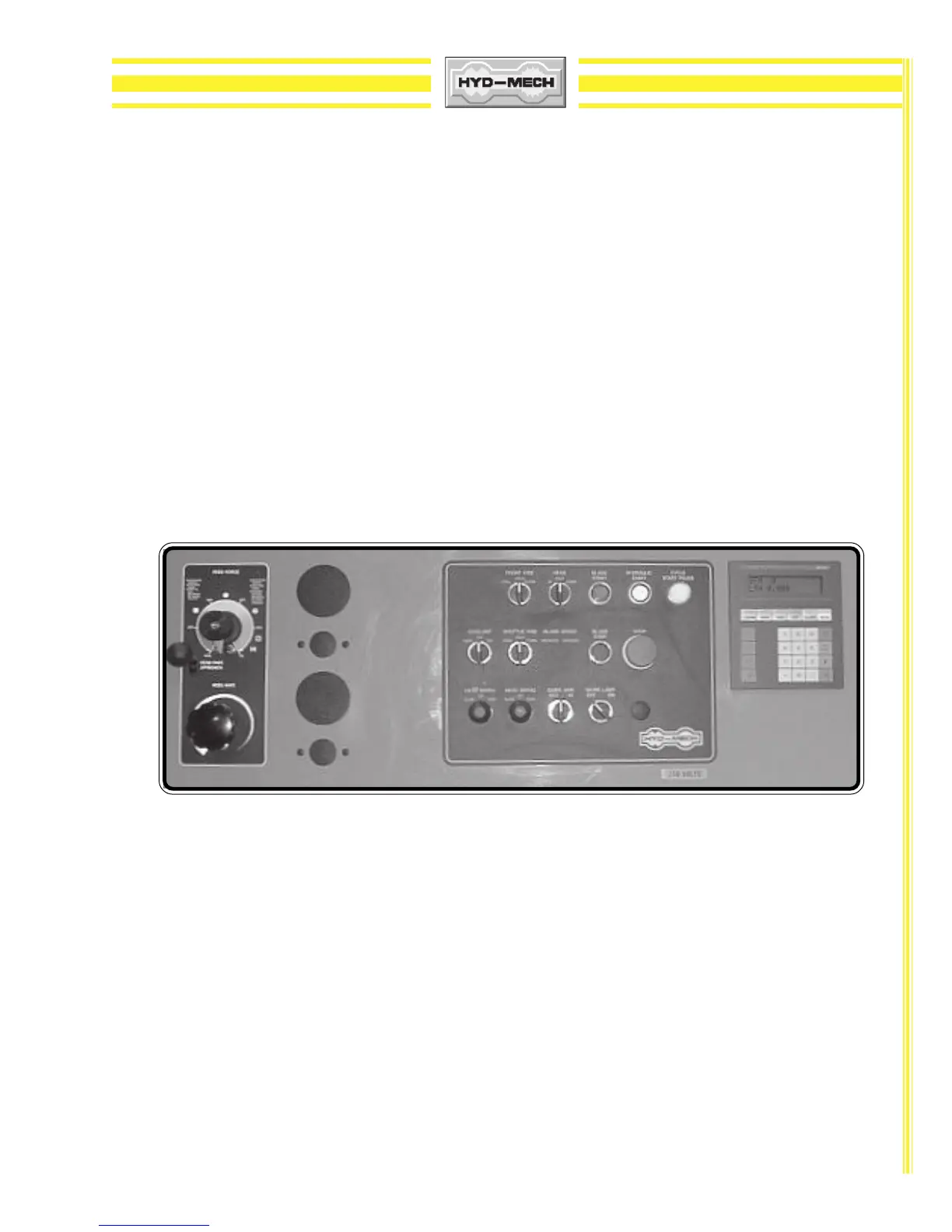
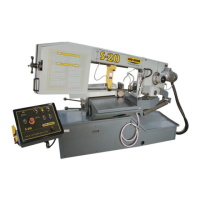
The M-16/M-20 control console has been designed to simplify the operation of the saw, to give the
operator the ability to stop any function at any time, and to be able to control all the functions remotely.
We can not overstress the importance of familiarizing yourself with the controls of the M-16 or M-20 prior
to starting the machine.
NOTE: 1) ALL SWITCHES MUST BE IN THE CENTER NEUTRAL POSITION TO START
THE MACHINE!
2) WHEN STARTING THE MACHINE FOR THE FIRST TIME MAKE SURE THAT
BLADE IS MOVING IN A COUNTERCLOCKWISE DIRECTION, AND THAT THE
HYDRAULIC PRESSURE IS 900 PSI (6200kP). IF THERE IS NO IMMEDIATE
PRESSURE, SHUT THE SAW DOWN AND CHANGE THE PHASE ORDER AS
STATED ON Pg. 1.5.
MANUMANU
MANUMANU
MANU
AL OPERAAL OPERA
AL OPERAAL OPERA
AL OPERA
TIONTION
TIONTION
TION
Manual Operations can be performed when
the PLC 100 controllerthe PLC 100 controller
the PLC 100 controllerthe PLC 100 controller
the PLC 100 controller is set to
MAN (AUTO is activeMAN (AUTO is active
MAN (AUTO is activeMAN (AUTO is active
MAN (AUTO is active
when a RED light is on above the AUTO/MAN button)when a RED light is on above the AUTO/MAN button)
when a RED light is on above the AUTO/MAN button)when a RED light is on above the AUTO/MAN button)
when a RED light is on above the AUTO/MAN button). All functions are self-explanatory except head
swing movements. The pushbuttons are labeled FAST & SLOW, when depressed partially, the movement
is SLOW, when fully depressed, the movement is FAST. Specific control button functions are described
on the following pages.
Operator Control Console.Operator Control Console.
Operator Control Console.Operator Control Console.
Operator Control Console.



 To Next Page