Pg. 2.8
SINGLE PSINGLE P
SINGLE PSINGLE P
SINGLE P
ARAR
ARAR
AR
T CYT CY
T CYT CY
T CY
CLE OPERACLE OPERA
CLE OPERACLE OPERA
CLE OPERA
TIONTION
TIONTION
TION
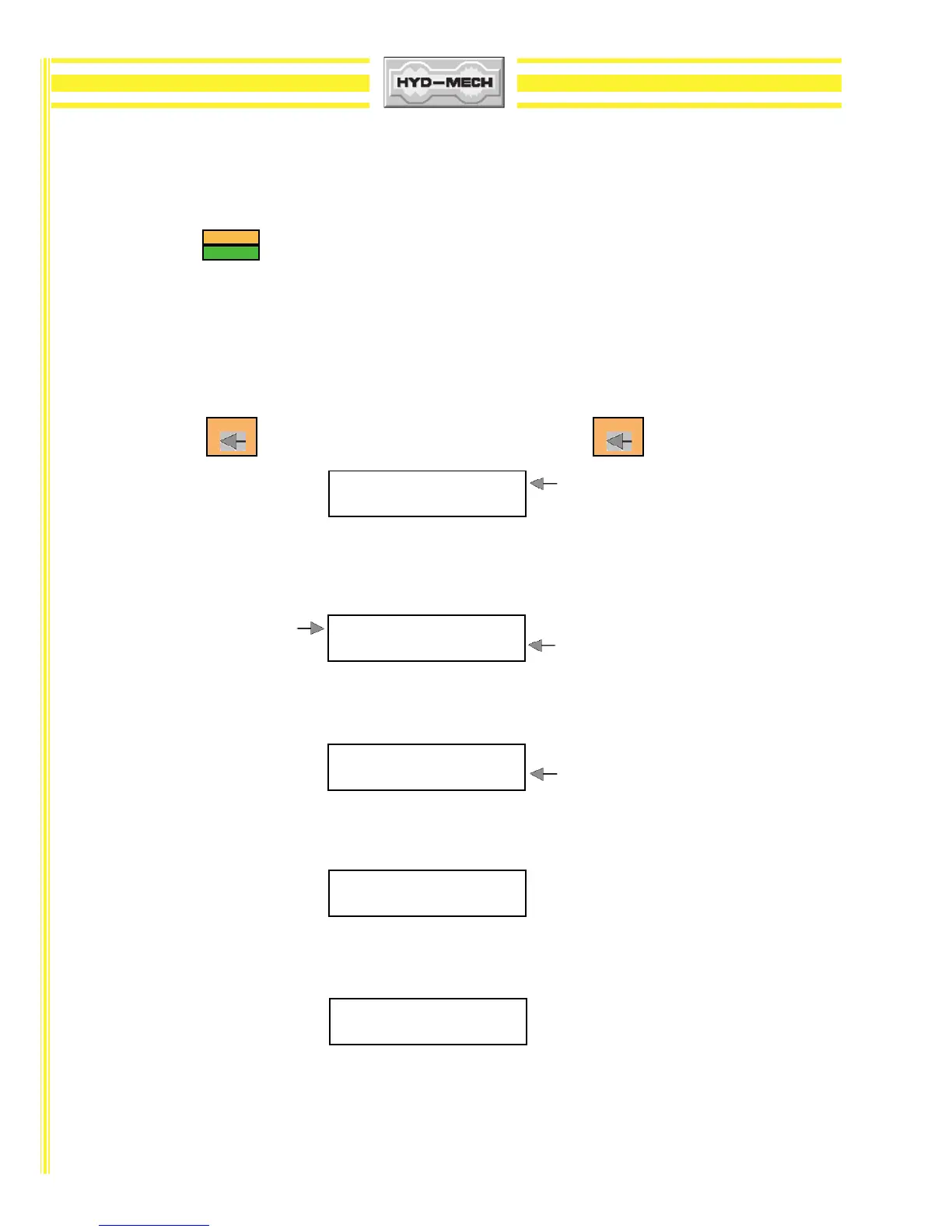
In MAN mode, the PLC allows the operator to initiate a "Single Part Cycle " to cut one piece at a desired length. To
accomplish this, follow the procedure below. Before initiating this procedure, the head should be "HOMED". See function
button description for .
1) A trim cut should be made before initiating the "Single Part Cycle " operation.
2) Make sure the fixed vise switch is in the closed position.
3) Make sure the head is set so that the blade is above the material and the head selector switch is in the
HOLD position.
4) The cursor will be flashing at the CUT position. Key in the desired value from 0" to 220" and
press If the value is incorrect, re-enter the value and press
5) If the blade is not running, you will be prompted by the word "BLADE" flashing on the display
window. Start the blade and adjust the blade speed as required.
6) You will then be prompted by the word "START" flashing on the display window to begin the cut.
Press CYCLE START and the cycle will begin.
7) When the start button is pressed, the shuttle vise will move to the forward home position before
executing the length movement. The head will descend and make the cut.
8) When the cut is completed, the blade will stop, the head will rise to the previous head height setting
and the display window will reset for the next cut.
9) To cut another piece, repeat steps 2 through 6.
NOTES: 1) To "PAUSE" the "SINGLE CUT CYCLE", depress the "CYCLE START" button. The "CYCLE START"
button will begin to flash and the screen will indicate a paused condition. All movements will
immediately cease. To continue the cycle, depress "CYCLE START" button again.
2) To cut multiple pieces, switch to AUTO MODE and follow the automatic procedures.
ENTER ENTER
SFM 0 CUT 1 0.250 LENGTHSFM 0 CUT 1 0.250 LENGTH
SFM 0 CUT 1 0.250 LENGTHSFM 0 CUT 1 0.250 LENGTH
SFM 0 CUT 1 0.250 LENGTH
LL
LL
L
TH 0.000TH 0.000
TH 0.000TH 0.000
TH 0.000
BLBL
BLBL
BL
ADE SPEED SFM 0 CUT 1 0.250ADE SPEED SFM 0 CUT 1 0.250
ADE SPEED SFM 0 CUT 1 0.250ADE SPEED SFM 0 CUT 1 0.250
ADE SPEED SFM 0 CUT 1 0.250
L L
L L
L
TH 0.000 BLTH 0.000 BL
TH 0.000 BLTH 0.000 BL
TH 0.000 BL
ADEADE
ADEADE
ADE FLASHING
SFM 100 CUT 1 0.250SFM 100 CUT 1 0.250
SFM 100 CUT 1 0.250SFM 100 CUT 1 0.250
SFM 100 CUT 1 0.250
LL
LL
L
TH 0.000 STTH 0.000 ST
TH 0.000 STTH 0.000 ST
TH 0.000 ST
ARAR
ARAR
AR
T T
T T
T FLASHING
KERF
CLEAR/HOME
SFM 100 CUTSFM 100 CUT
SFM 100 CUTSFM 100 CUT
SFM 100 CUT
LL
LL
L
TH 5.000 FR 1.2TH 5.000 FR 1.2
TH 5.000 FR 1.2TH 5.000 FR 1.2
TH 5.000 FR 1.2
SFM 0 CUT 0.000SFM 0 CUT 0.000
SFM 0 CUT 0.000SFM 0 CUT 0.000
SFM 0 CUT 0.000
LL
LL
L
TH 0.000TH 0.000
TH 0.000TH 0.000
TH 0.000




 To Next Page