H Y D R O P O O L I N D U S T R I E S
25
TOPSIDE PANEL LOCK FEATURES
TEMPERATURE LOCK
The temperature lock feature prevents unauthorized
temperature adjustment of the hot tub water. When the
temperature lock is activated, all automatic functions will
continue to operate normally.
The following pads must be pressed within 3 seconds of
each other to activate the lock:
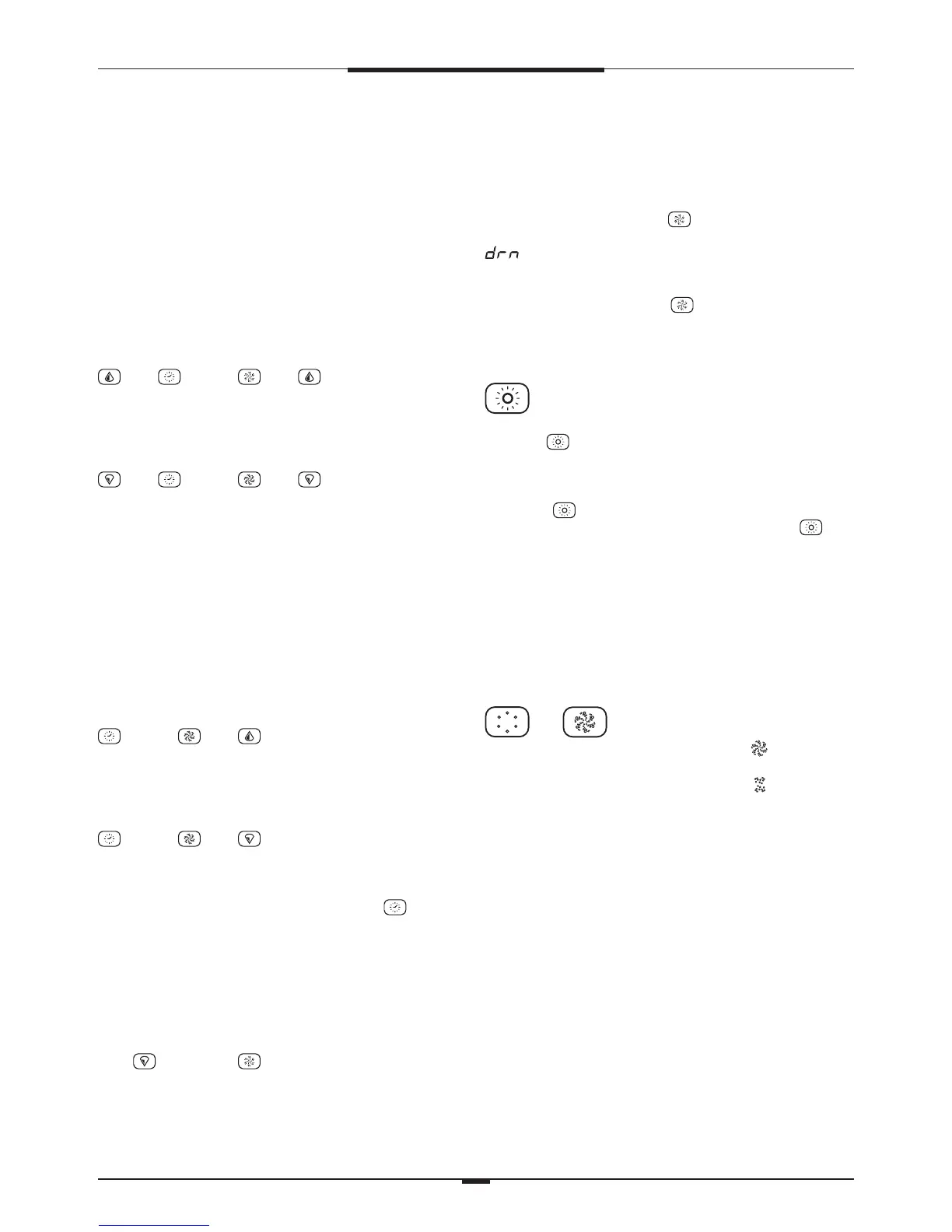
then then P1 then
TEMPERATURE UNLOCK
The following pads must be pressed within 3 seconds of
each other to deactivate the lock:
then then P1 then
When locked, the TL light on the left side of the topside
control panel will illuminate. Only the topside control panel
temperature pads will be deactivated.
TOPSIDE PANEL FULL LOCK
The topside panel lock feature prevents unauthorized use of
the hot tub controls. When the topside control panel lock is
activated, all automatic functions will continue to operate
normally.
The following pads must be pressed within 3 seconds of
each other to activate the lock:
then P1 then
TOPSIDE PANEL UNLOCK
The following pads must be pressed within 3 seconds of
each other to deactivate the lock:
then P1 then
When locked, the PL light on the left side of the topside
control panel will illuminate. All of the topside control
panel pads will be deactivated except for the pad.
STANDBY / DRAIN ASSIST
The standby/drain assist feature stops the system from
operating automatically, allowing for convenient filter
cartridge removal and for safe draining of the hot tub. The
following pads must be pressed within 3 seconds of each
other.
Press then the P2 pad and the display will flash:
SBY (Platinum series)
STANDBY (Titanium series)
All functions will turn off, but P1 low speed can be
activated (by pressing the P1 pad) to facilitate draining
the hot tub and the display will show
(Platinum series)
DRAINING (Titanium series)
Press any pad other than the P1 pad to return the system to
normal operation. See section DRAINING YOUR HOT TUB
– p. 47 - for detailed instructions.
MOOD LIGHTING
STANDARD MOOD LIGHTING
Press the pad on the topside control to turn the light
on and off.
LED MOOD LIGHTING OPTIONAL – FACTORY INSTALLED
Press the pad on the topside control to start the
selection of LED lighting modes. Pressing the pad
on/off within 3 seconds cycles through the various ‘light
shows’. When the LED lighting is turned off for more than 5
seconds, then turned back on, the system will resume the
last ‘light show’. For complete description of ‘light shows’,
see MOOD LIGHTING – p. 14
The system will automatically turn off the mood lighting
after 4 hours.
BLOWER OPTIONAL – FACTORY INSTALLED
/
1
st
press – turns on high speed – the icon
is displayed
2
nd
press – turns on low speed – the icon
is displayed
3
rd
press – turns off blower – no icon displayed
when blower is off
The system will automatically turn off the blower after 15
minutes
OZONATOR OPTIONAL
The ozonator operates during FILTER CYCLES and CLEAN UP
CYCLES only. The display will show the O3 icon while the
ozonator is operating.
FREEZE PROTECTION
If the temperature sensor detects a drop to 44˚F within
the heater chamber, the system automatically activates all
pumps to provide freeze protection. The pumps will operate
until the temperature reaches 45˚F, and then will continue
to operate for an additional 4 minutes before returning to
normal system mode.




 To Next Page