EasyManua.ls Logo

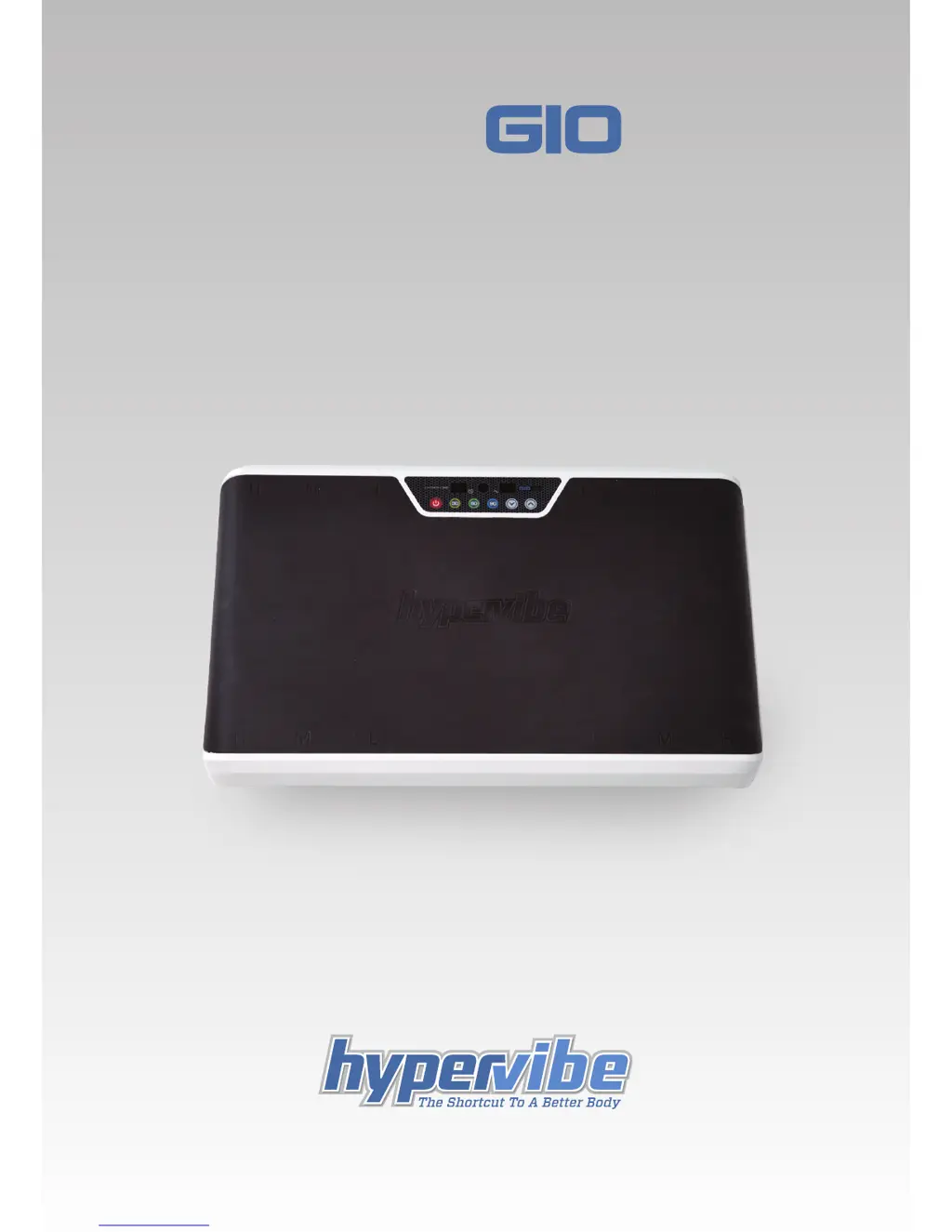
HYPERVIBE G10 mini - User Manual

HYPERVIBE G10 mini
40 pages
Print Icon
To Next Page IconTo Next Page
Loading...
1
HYPERVIBE MINI
OWNERS MANUAL

Questions and Answers

  • J
    john22Aug 1, 2025
    What to do if HYPERVIBE Fitness Equipment is moving on the floor?
    • M
      matthewwestAug 1, 2025
      If the HYPERVIBE Fitness Equipment is moving on the floor, make sure it is placed on a firm, stable surface. You may also need to install the machine onto the docking plate to prevent movement.
  • J
    jeff60Aug 15, 2025
    How to fix no power to the LCD display on HYPERVIBE Fitness Equipment?
    • W
      wsmithAug 15, 2025
      If there is no power to the LCD display on your HYPERVIBE Fitness Equipment, check that the power lead is securely pushed into the power socket at the rear of the machine. Turn the power off and then back on again using the main power switch. If the power switch on the rear of the machine has no light, replace the fuse. A spare fuse is located inside the fuse holder in the mains socket.

Summary

Introduction

Gravity Resistance Training (GRT)

Instruction Manual Overview

Important Product Safety Instructions

Grounding Instructions

Details on how to properly connect the appliance to a grounded outlet for electrical safety.

Placement Considerations

Guidance on suitable locations and surfaces to avoid for optimal operation and safety.

Important Health Precautions

Machine Installation Guide

Upper Body Resistance Bands

Resistance Band Instructions

Step-by-step guide on how to attach and adjust the resistance bands for exercises.

Safe & Effective Use

Intensity (G-Force)

Explanation of how intensity levels (frequency and amplitude) are adjusted and impact workouts.

Exercise Duration and Frequency

Recommendations for session length, rest periods, and overall usage frequency for optimal results.

Exercise Techniques and Posture

Guidelines on proper posture, weight distribution, and exercise execution for safety and effectiveness.

Control Panel & Remote Control Operation

Mute and Bluetooth Features

Instructions for muting sounds and connecting the device via Bluetooth for external control.

Getting Started with the G10 Mini

Introduction to Exercises

Demonstrates basic exercises with recommended settings for new users.

Senior Fitness Programs

Total Body Conditioning Routines

Massage and Recovery Programs

Cellulite Treatment Programs

Golf Performance Enhancement

Technical Specifications

Care and Maintenance

Troubleshooting Common Issues

HYPERVIBE G10 mini Specifications

General IconGeneral
BrandHYPERVIBE
ModelG10 mini
CategoryFitness Equipment
LanguageEnglish