Charging the Digital jGUN
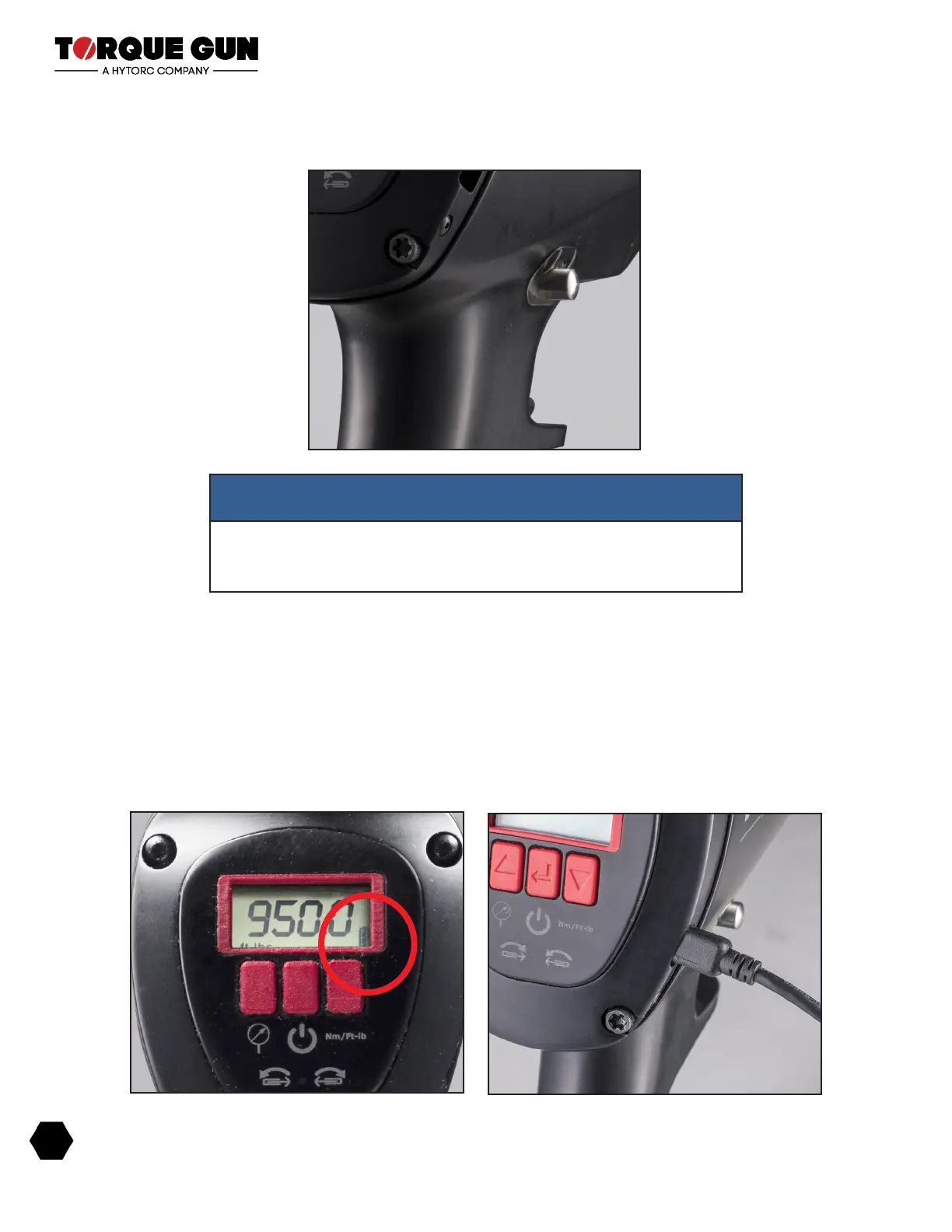
1. There is a three-segment battery charge indicator on the lower right side of the screen. When the
level drops plug it in until it is fully charged as indicated by three bars.
2. A charger with USB cable is provided in the case with the tool.
3. Connect the charger to the USB connector on the right side of the display housing on the rear of
the gun.
NOTE
The trigger cannot be depressed unless the directional button is
displaced. Once depressed the trigger will hold the directional button in
position and both hands can be used to hold the tool.
Digital jGun Battery Indicator and USB Connector
Digital jGun Drive Direction Selector
18
BREAKTHROUGH PRODUCTS FOR INDUSTRIAL BOLTING


 To Next Page
 Loading...