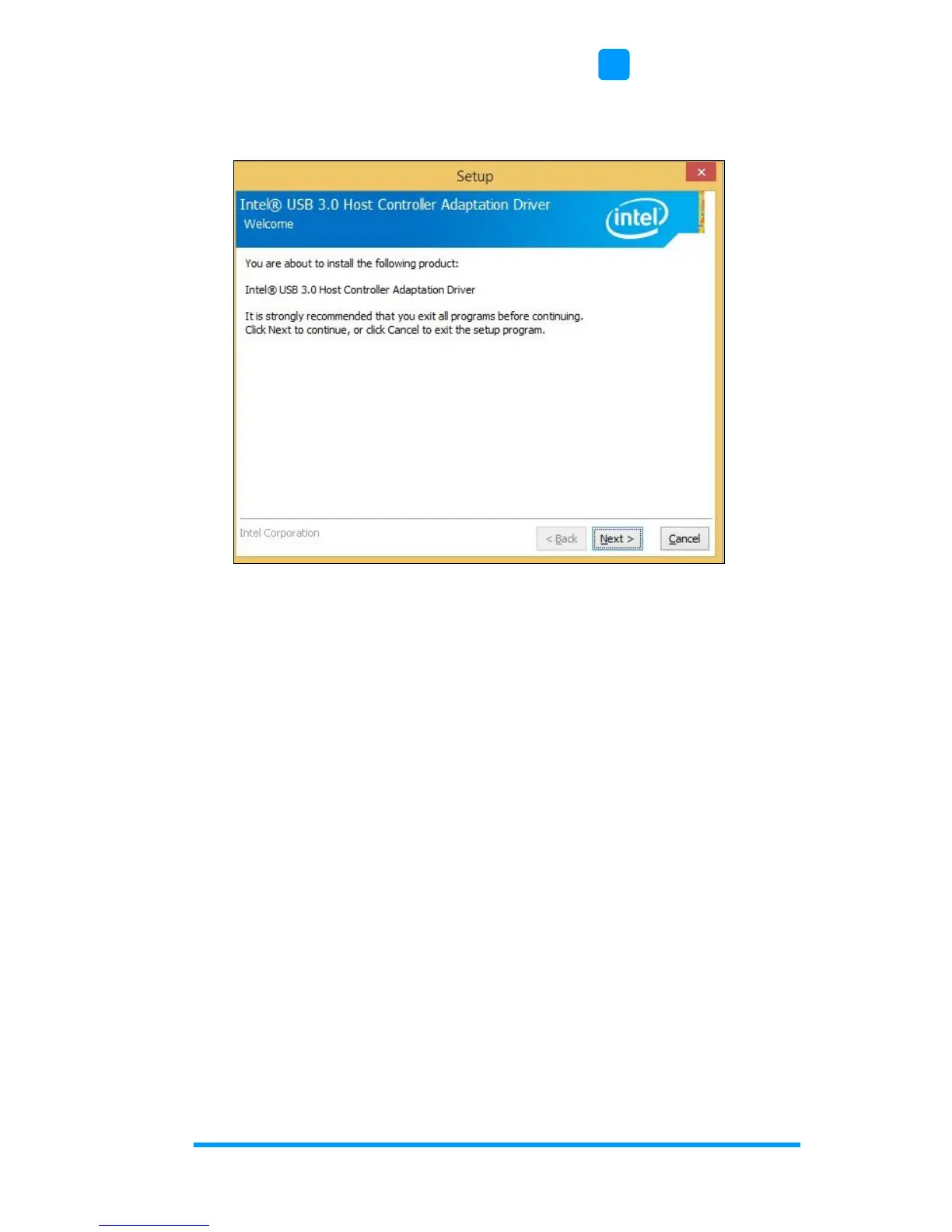
3. When the Welcome screen to the InstallShield Wizard for Intel
®
USB 3.0 Host Controller Driver appears, click Next.
4. Click Next to to agree with the license agreement.
5. On the Readme File Information screen, click Next for
installation.
6. The driver has been successfully installed. Click Finish to restart
the computer and for changes to take effect.


 To Next Page