2U Library I/O Station
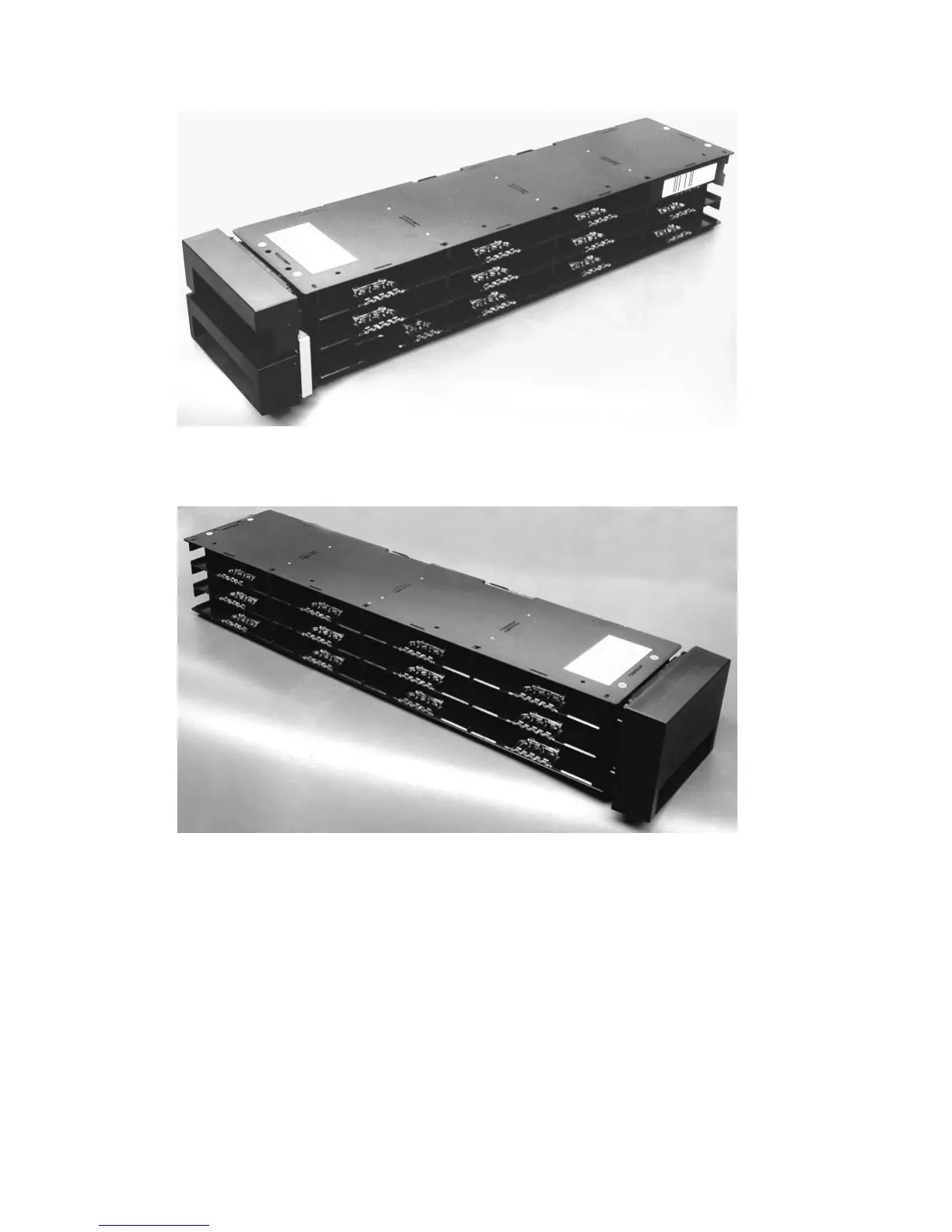
The I/O (Input/Output) Station (see Figure 1-29 on page 1-25) in a 2U library is part of the left magazine.
To open the I/O Station, select Control → Open I/O Station. The I/O Station will pop open. To close the
I/O Station, gently push it back into the left magazine.
a77ug020
Figure 1-27. 2U library left magazine
a77ug021
Figure 1-28. 2U library right magazine
1-24 TS3100 and TS3200 (3573) Installation Quick Reference



 To Next Page
 Loading...











