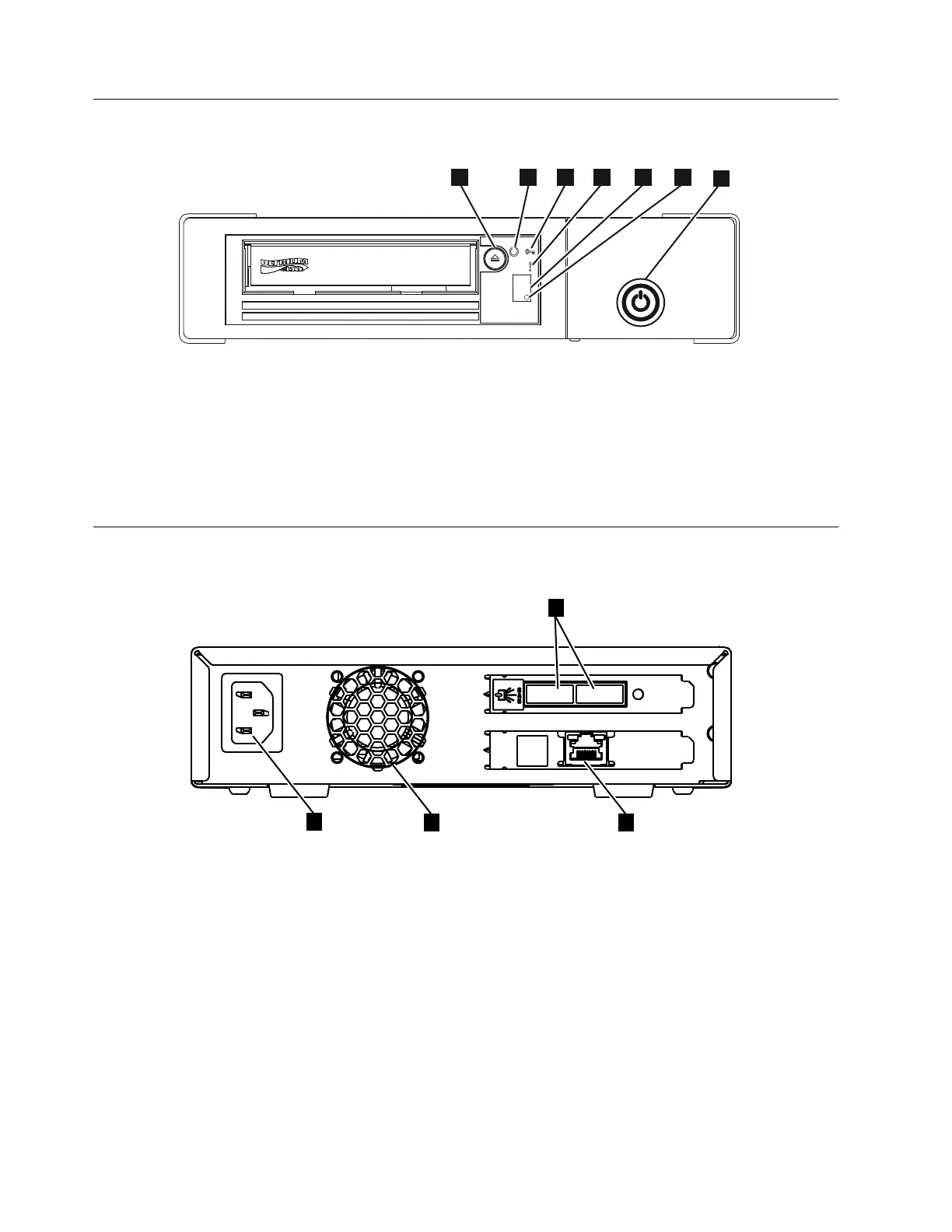
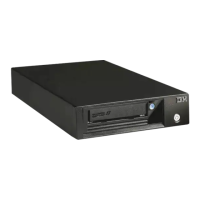
Front panel of the drive
▌1▐ Cartridge unload button ▌4▐ Fault light (amber)
▌2▐ Ready light (green) ▌5▐ Single Character Display (SCD)
▌3▐ Encryption light (white) ▌6▐ SCD dot
▌7▐ Drive power button
Rear panel of the drive
▌1▐ Power receptacle
▌2▐ Fan vent
▌3▐ SAS connectors
▌4▐ Ethernet connector (for drive status and service only)
Figure 3. Front panel element descriptions
Figure 4. Drive rear panel element descriptions - dual SAS ports
2 IBM TS2280: Setup, Operator, and Service Guide Machine Type 3580 Model H8S


 To Next Page