31
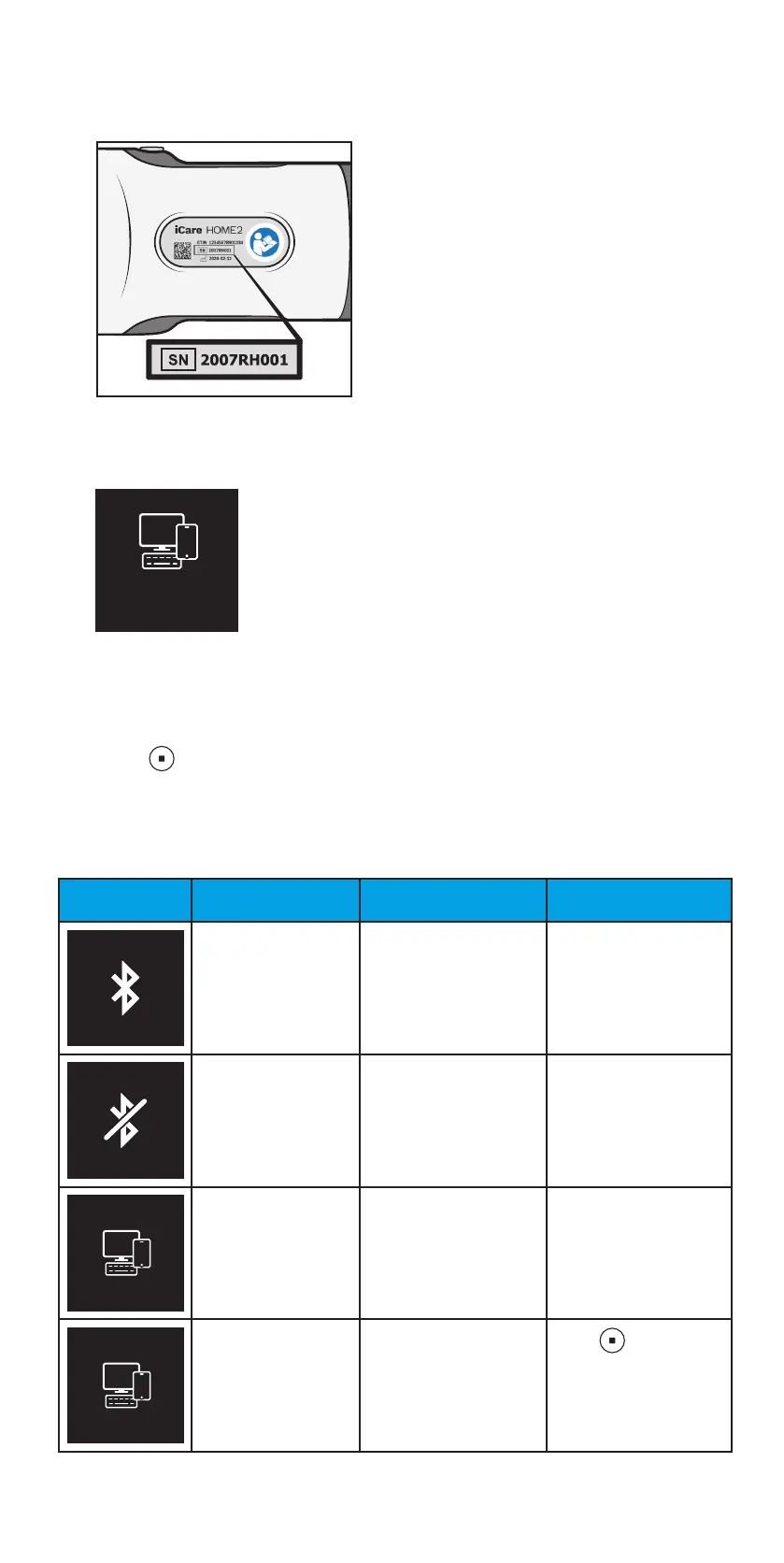
7. On your mobile device or computer, go to the device list, and select the
tonometer from the drop-down list. Make sure that the serial number of
the tonometer matches with the one at the back of the tonometer.
8. Once the software prompts you for a PIN code, enter the PIN code you
see on the tonometer’s display.
012345
PIN CODE
If you enter a wrong code, the pairing stops and you need to start it
from the beginning.
9. When you see BLUETOOTH CONNECTED on the tonometer display,
press .
10. Follow the instructions shown on your mobile device or computer.
12.4 Bluetooth notifications and errors
Screen Text Description Actions
BLUETOOTH ON Bluetooth is on.
BLUETOOTH OFF Bluetooth is off.
000000
PIN CODE
Bluetooth PIN code for
pairing the tonometer
with iCare EXPORT or
iCare PATIENT2.
Enter the PIN code on
your mobile device or
computer.
BLUETOOTH
CONNECTED
Tonometer is
connected to iCare
EXPORT or iCare
PATIENT2.
Press to
acknowledge the
notification.


 To Next Page