Heavy Duty & OBDII Diagnostic Tool HD V3.0
8
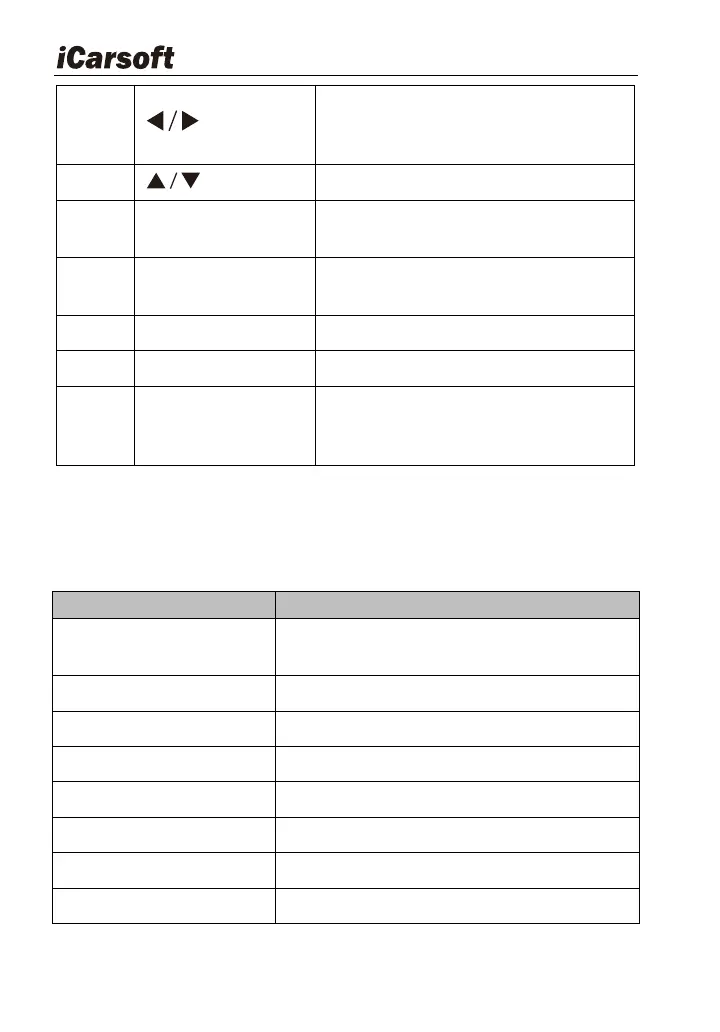
Move cursor right or left for selection ;
Or turn page up or down when more
than one page is displayed.
Move cursor up or down for selection
Confirms a selection (or action) from a
menu list.
Shows help information for test results
or user operation.
Returns to the previous menu
Holds the system of the scan tool.
Connects the scan tool for power
supply and update the software if
needed.
3.2 Specifications
Table3-2:
2.8 "TFT 262K true color, 320 x 240
QVGA LCD display
-4°F ~158°F / -20°C -70°C @RH60 %
4.7‟ x 3.2‟ x 1.0‟ / 121 x 82 x 26mm LWH








 To Next Page