Heavy Duty & OBDII Diagnostic Tool HD V3.0
13
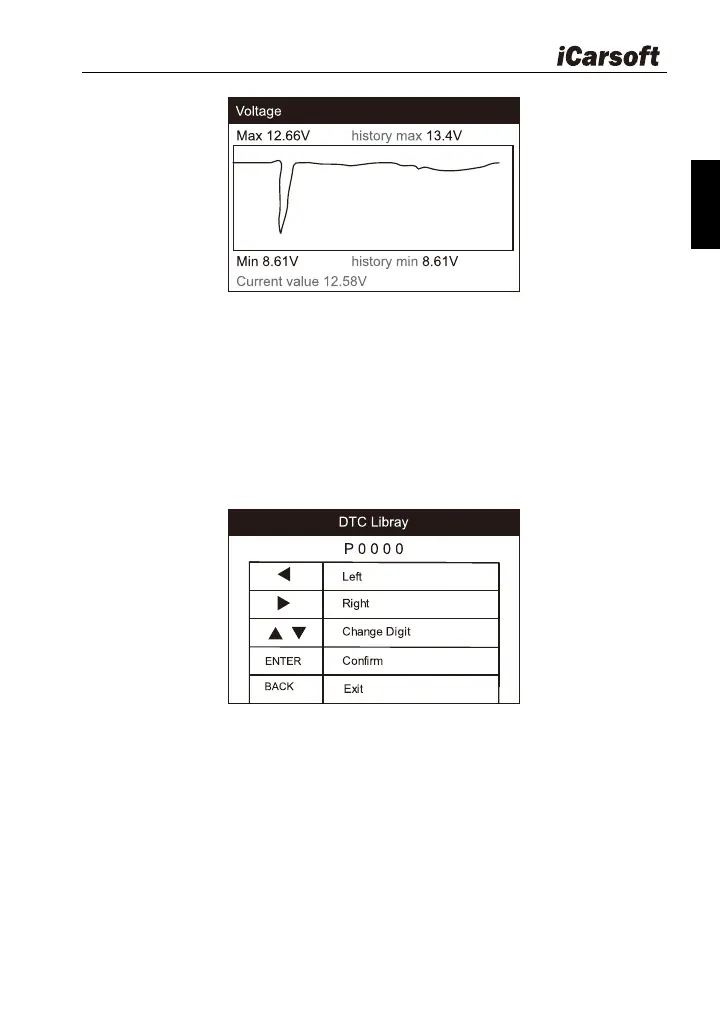
Figure 4-2
4.3 DTC Library
Select DTC Library icon from the main screen, press ENTER. Press
LEFT / RIGHT button to move the highlight bar to different position. Press UP
/ DOWN button to alter the value, and press [ENTER] button, the screen will
display definition of the DTC.
Figure 4-3
4.4 Settings
Select “Settings” icon on the main menu and press [ENTER] button. The
system will enter the system setup screen:








 To Next Page