Heavy Duty & OBDII Diagnostic Tool HD V3.0
14
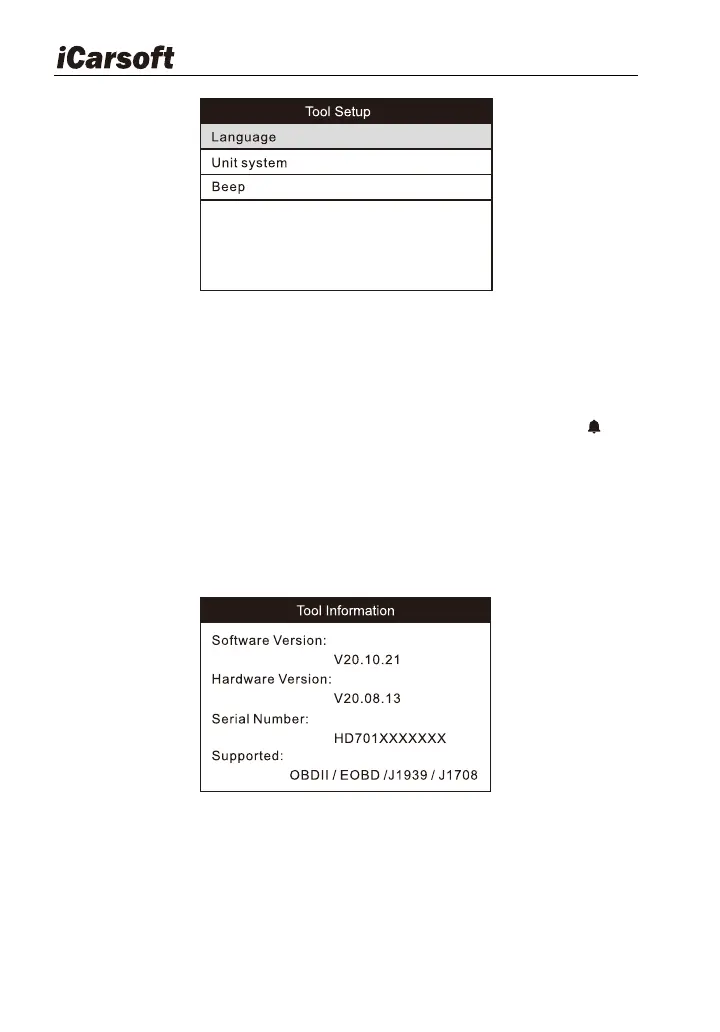
Figure 4-4
1) Language: Configure the system language to your preference.
2) Unit system: Set the measurement unit system.
3) Beep: Turn ON/OFF the Beeper. Once Beeper is set to ON, will
appear at bottom of the screen.
4.5 About
Select About icon on the main screen, press ENTER. On the Tool
Information page, there are software version, hardware version and product
serial number etc..
Figure 4-5
5 Diagnose
From the main menu, select the car OBDII or truck OBD icon.
If a heavy-duty truck is diagnosed, the system will continue scanning the








 To Next Page