Heavy Duty & OBDII Diagnostic Tool HD V3.0
24
6.3 Upgrading:
Log on www.icarsoft.com, download the latest version of the HD V3.0
upgrade package and decompress the software to local disk.
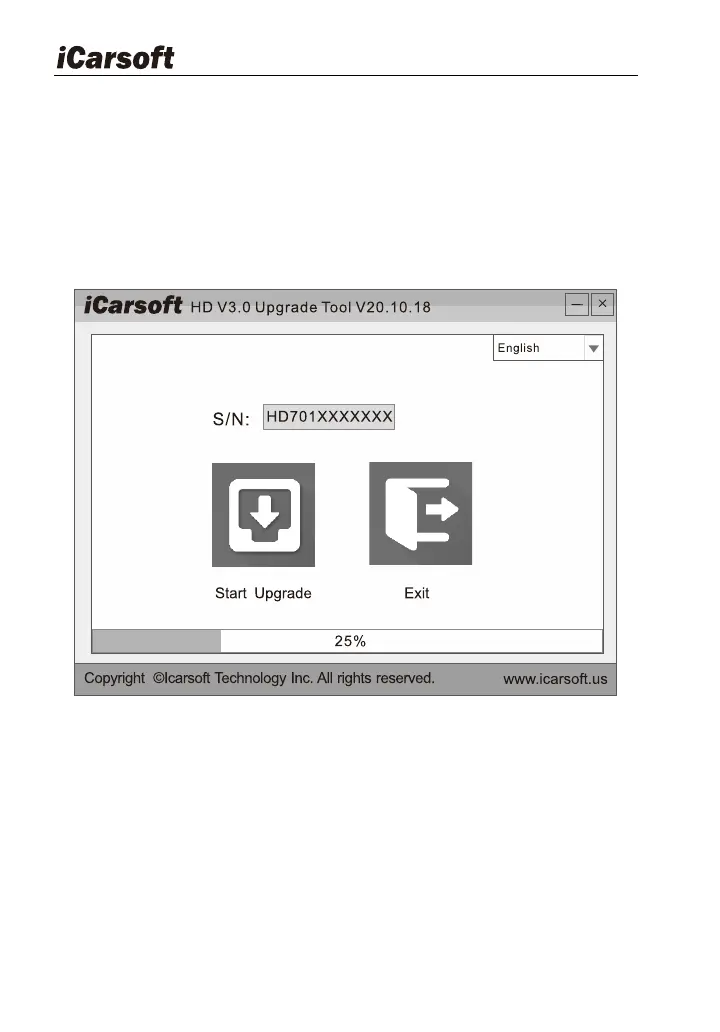
Connect the HD V3.0 to computer through USB cable and run the HD
V3.0 Upgrade Tool.exe, the following window will appear:
Figure 6-2
Select the language, and then click " Start Upgrade", a progress bar will
appear at the bottom of the screen. When a message of upgrade success
pops out, click "Exit" and then unplug the USB cable to complete upgrade.
7 FAQ
Here we list some frequently asked questions and answers relating to
HD V3.0.








 To Next Page