Heavy Duty & OBDII Diagnostic Tool HD V3.0
12
Table4-1:
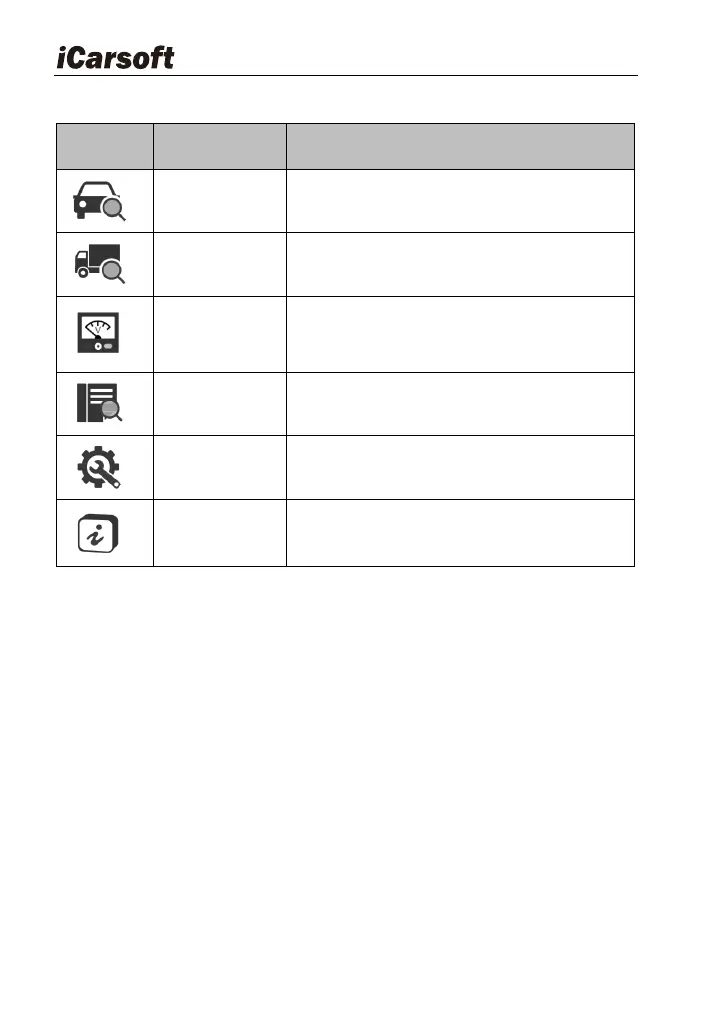
To diagnose your car OBD II.
To diagnose your heavy-duty truck
Displays the voltage of the data link
connector (DLC)
Select DTC Library icon to view the
definition of the DTC.
Set the language, unit, buzzer, etc. of the
diagnostic tool.
It mainly includes software version,
hardware version, serial number, support
protocol.
CAUTTION: Don‟t connect or disconnect any test equipment with ignition on
or engine running.
4.2 Battery
On battery voltage page, it shows the voltage of Data Link Connector
(DLC), which is approximately the vehicle battery‟s status. Especially, it can
observe the voltage while engine start.








 To Next Page