Heavy Duty & OBDII Diagnostic Tool HD V3.0
19
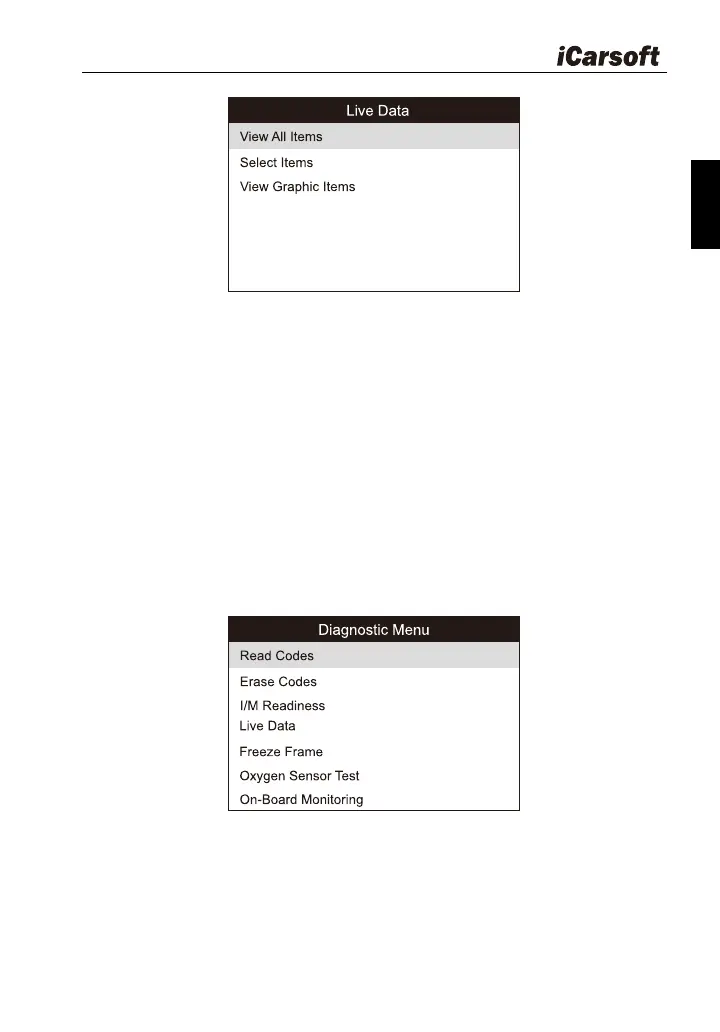
Figure 5-7
A. View All Items: To view all data stream items.
B. Select Items: Select the desired data stream items, and then press
[ENTER] to read the value of the selected items.
C. View Graphic Items: Select the desired data stream item and press
[ENTER] to display it in live graphic form.(Note: Max. 1 item is
supported.)
5.2 Car OBDII Diagnosing
Press [ENTER] in Figure 5-2, a screen similar to Figure 5-8 will appear:
Figure 5-8
5.2.1 Read Codes
This option is used to read the current, pending or permanent trouble
codes. If the trouble code is found, the system will display the detailed








 To Next Page