DX8
Dual Balance Charger/Discharger/DC Power
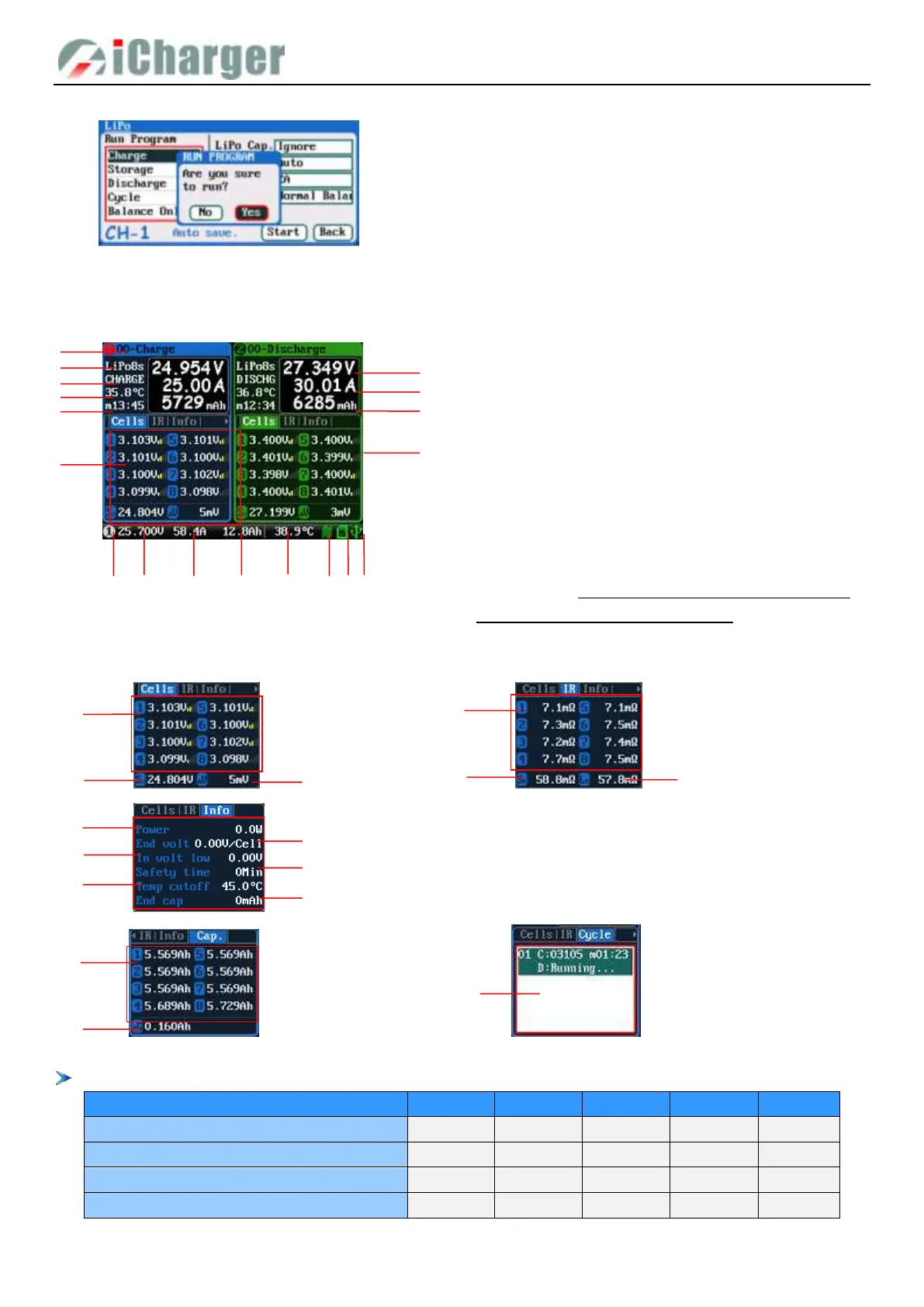
After selecting the program to run, press <> to pop upconfirmation window, as below:
Click “Yes” to run the program, click “No” to cancel.
Program Running Status
.
Press <STATUS-x> button when running program to switch the multipage information displays, as below:
Different types of batteries and programs have different multipage information displays, see details below:
Lipo/LiIo/LiFe/LiHV/LTO/NiZn/User
Cells voltage information
1. Cells voltage
2. Cells voltage sum
3. Maximum cells voltage
difference
IR information
1. Cells internal resistance
2. Pack internal resistance
3. Line resistance
Information page
1. Power 2. End voltage
3. Lowest input voltage 4. Safety time
5. Temp. cutoff 6. End charge capacity
Cycle charge information
1. Cycle charge status
1. Running program name 2. Battery type
3. Running channel status
4. Channel control status/external temperature
5. Running program time 6. Multipage information
7. Charging voltage 8. Charging current
9. Charging capacity 10. Balance strength
11. Input power source type 12. Input voltage
13. Input current 14. Input capacity
15. Internal temperature 16. Fan status
17. SD card status 18. USB status
See details on Status Indication of Running Channel &
Status Indication of Channel Control
Cell Cap.
1. Cell Capacity
2. Maximum cells capacity difference



 To Next Page