7
Operation
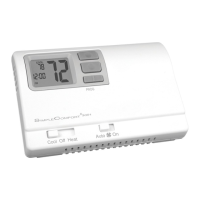
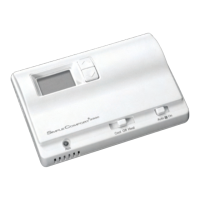
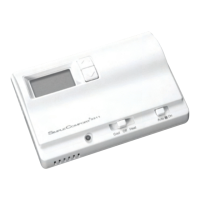
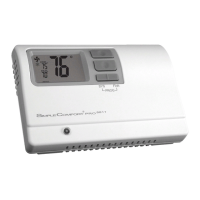
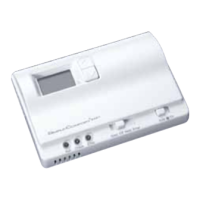
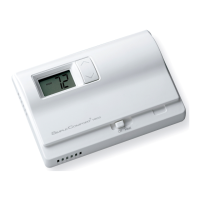
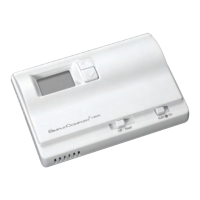
The SimpleComfort
®
3001 thermostat has buttons that are used to:
• Adjust the set points of the thermostat
• Set to program or non program operation
• Program the schedule
• Enter or exit vacation hold
Setting the Room Temperature (Setpoint Temperature)
1. With the Cool/Off/Heat switch in Heat or Cool, the current temperature setpoint displays.
2. Press the or button until the desired temperature setting displays.
Note: Holding down either the or button will scroll the temperature display.
3. The new temperature setting is automatically saved into memory.
Setting a New Temperature Differential
IMPORTANT: The default temperature differential is factory set at 1°F. When your room temperature
varies by 1°F, the thermostat turns your system on. If you notice your system turning on and
off too frequently, increase the temperature differential accordingly.
1. Place the Cool/Off/Heat switch in Off position.
2. Press both and buttons simultaneously.
3. Press the or button to adjust the temperature differential up or down.
4. When finished, move Cool/Off/Heat switch to Heat or Cool position to lock setting into memory.






 To Next Page