11
Conguration Mode Settings
The setup screens for Configuration Mode are as follows:
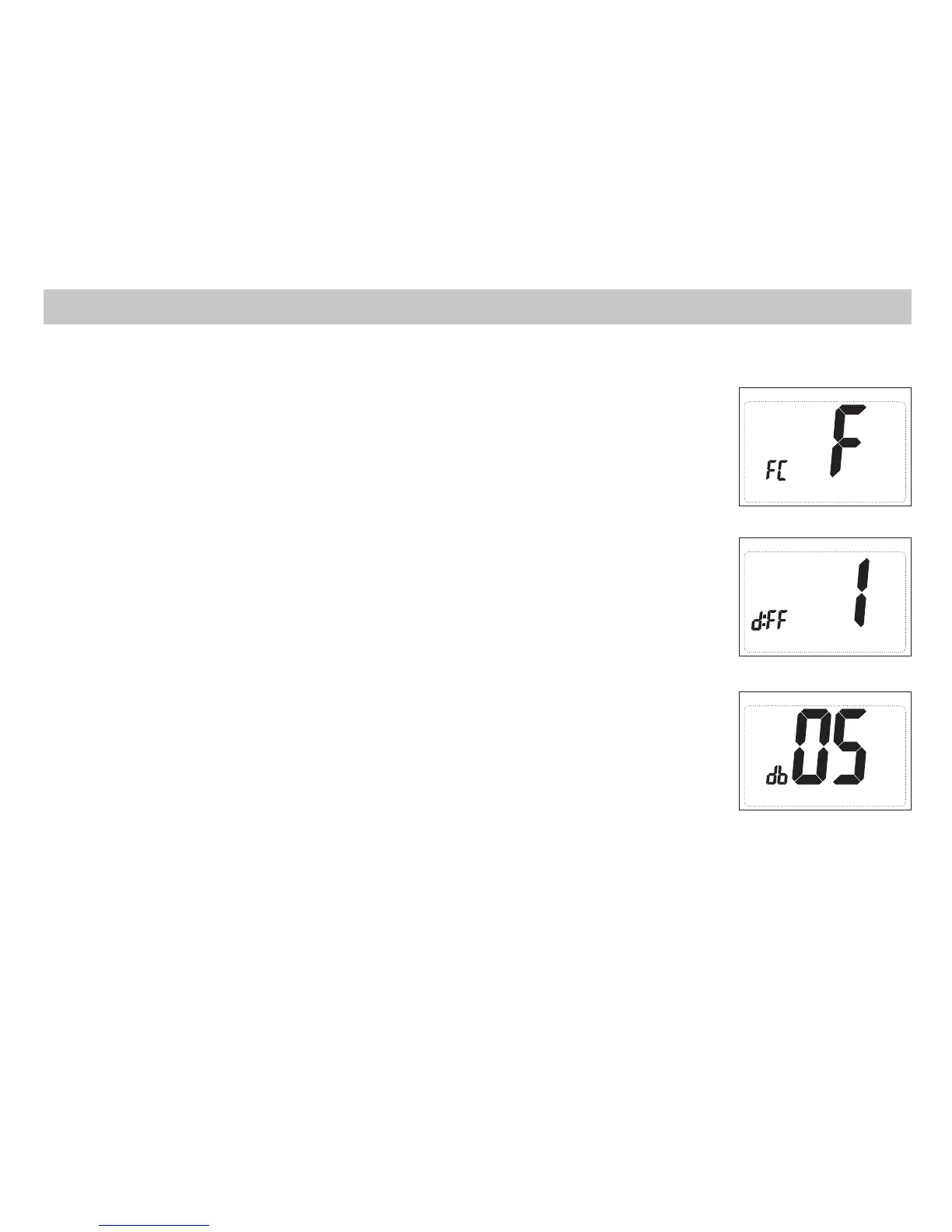
3. Deadband (1°F - 9°F) (1°C - 5°C)
Set the minimum number of degrees between your heat setpoint and your
cool setpoint in Autochangeover mode.
Press the up or down button to set deadband value.
Press the right button to advance to the next screen.
2. Temperature Differential (1°F to 5°F) (0.5°C to 2.5°C)
Set the number of degrees between your “setpoint” temperature and your
“turn on” temperature.
Press the up or down button to set differential value.
Press the right button to advance to the next screen.
1. Temperature Scale (F or C)
Choose Fahrenheit or Celsius.
Press the up or down button to select.
Press the
right
button to advance to the next screen.


 To Next Page
 Loading...