12
4
BASIC OPERATION
New2001
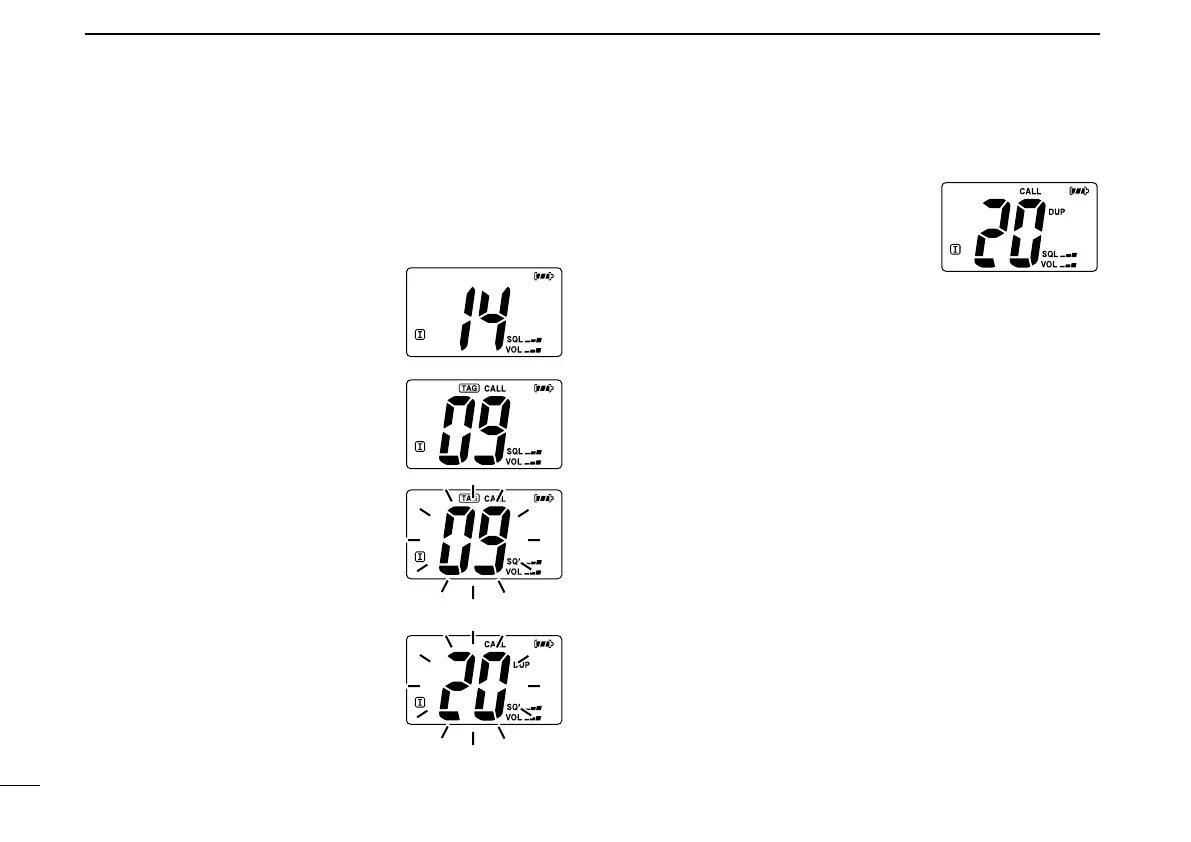
■ Call channel programming
The call channel key is used to select Channel 9 by default,
however, you can program your most often-used channel in
each channel group for quick recall.
q Push [CH/WX•U/I/C] for 1 sec.
several times to select the de-
sired channel group (USA, INT,
CAN) to be programmed.
w Push [16•9] for 1 sec. to select the
call channel.
• “CALL” and call channel number ap-
pear.
e Push [16•9] again for 3 sec. (until
a long beep changes to 2 short
beeps) to enter call channel pro-
gramming condition.
• Call channel number to be pro-
grammed flashes.
r Push [Y]/[Z] to select the desired
channel.
t Push [16•9] to program the dis-
played channel as the call chan-
nel.
• The call channel number stop
flashing.



 To Next Page