19
6
DSC OPERATION
Transmitting all ships call
Large ships use channel 70 as their “listening channel.” When
you want to announce a message to these ships, use the “all
ships call” function.
q Select a desired channel other than channel 70.
w Push [DSC/ENT] to select the DSC menu.
e Rotate the channel selector to select “All ships” and push
[DSC/ENT].
r Push [DSC/ENT] to transmit the all ships call.
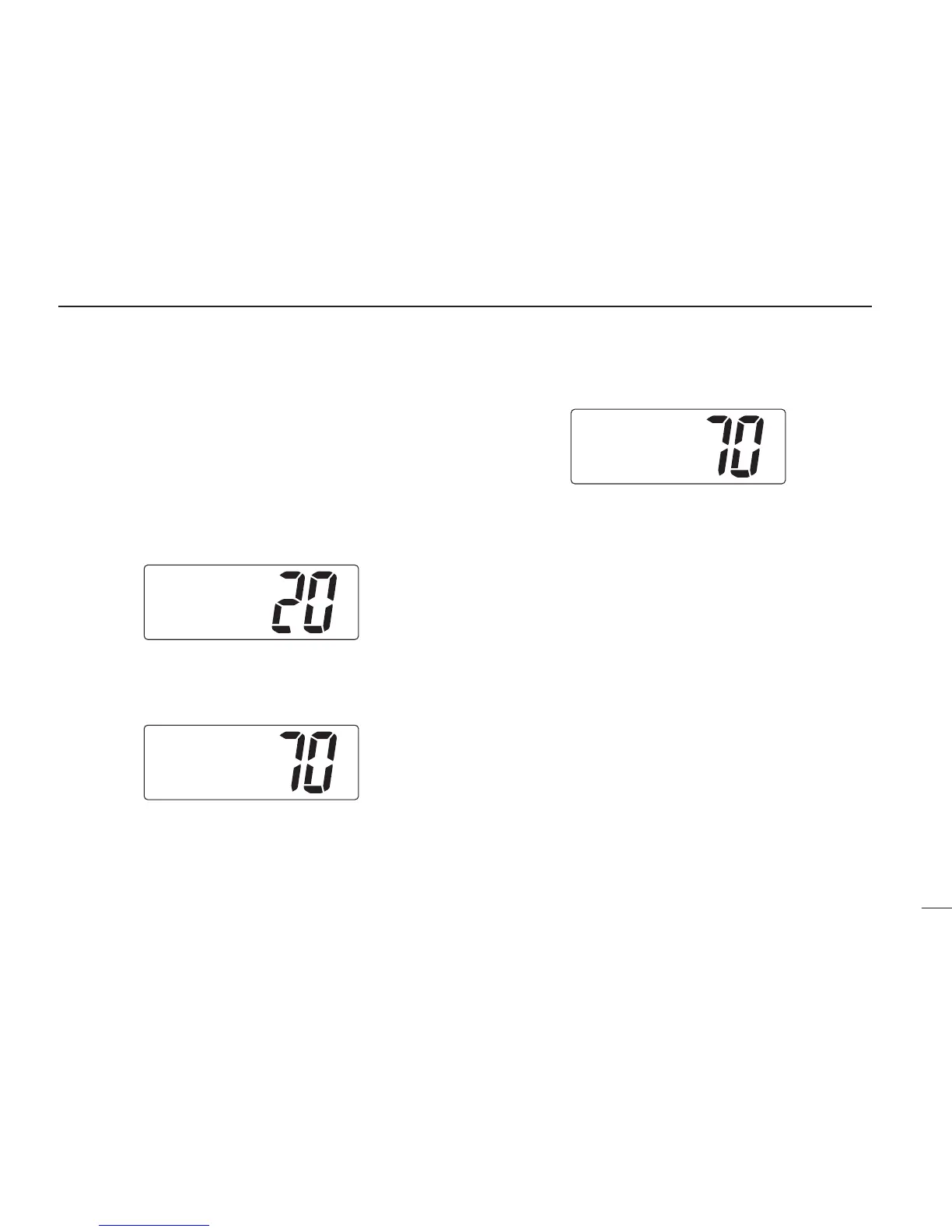
•Channel 70 is selected and the all ships call is transmitted.
•Routine category only is available.
t The all ships call has been transmitted.
y Push [PTT] or rotate the channel selector to exit the condi-
tion.



 To Next Page