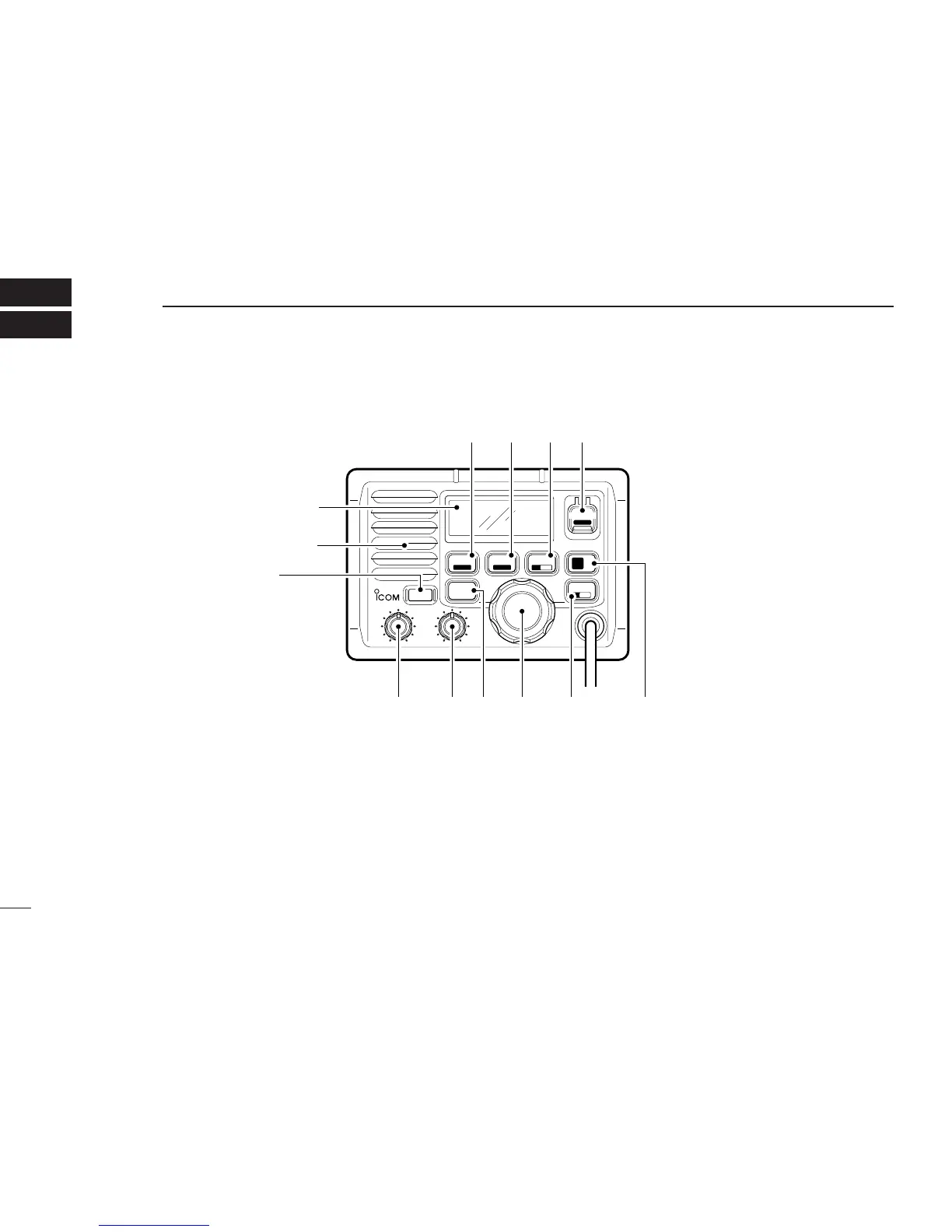
q POWER SWITCH [POWER]
Push to toggle the transceiver power ON and OFF.
w VOLUME CONTROL [VOL]
Adjusts the audio level. (p. 8)
e SQUELCH CONTROL [SQL]
Sets the squelch threshold level. (p. 8)
r TRANSMIT POWER SWITCH [HI/LO]
➥Toggles high and low power when pushed. (p. 8)
•Some channels are set to low power only.
➥While pushing this switch, other switches perform sec-
ondary functions.
t CHANNEL SELECTOR [CHANNEL]
➥Rotate [CHANNEL] to select the operating channels, set
mode contents, etc. (p. 8)



 To Next Page