33
8
SET MODE
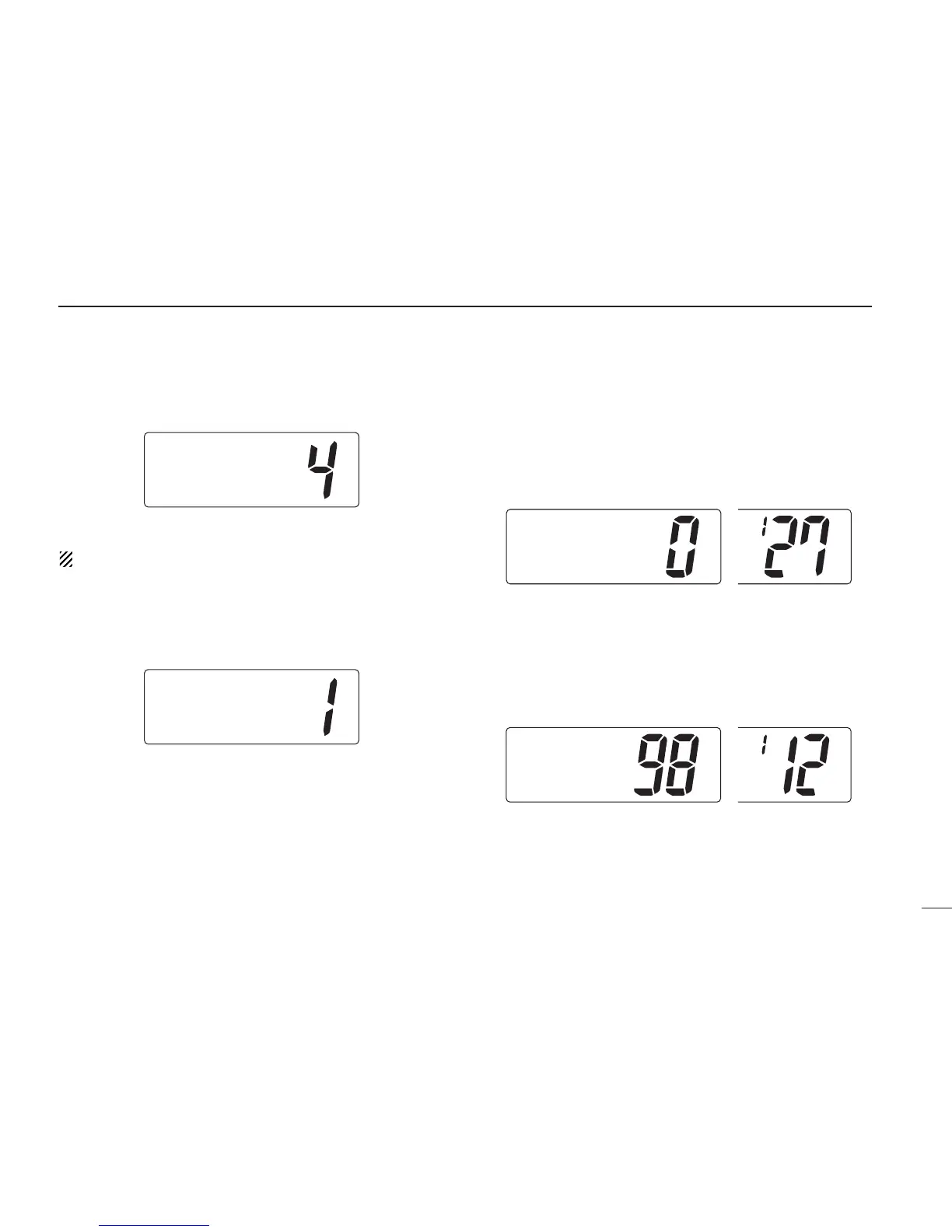
LCD contrast
This item adjusts the contrast of the LCD in 8 steps.
The optional HM-127 has it’s own setting for the beep tone.
Attenuation level
This item sets the receive attenuation level for the attenuator
function from 3 levels.
Scrambler code
When an optional scrambler unit is connected, the scrambler
code can be set depending on dealer setting.
When the UT-98 or UT-112 is installed, 128 or 32 codes (0 to
127 or 1 to 32) can be selected, respectively.
Scrambler type
When an optional scrambler unit is connected, the scrambler
type can be selected in set mode depending on dealer set-
ting.



 To Next Page