4. To save new setting in the temporary memory, press or
buttons.
To leave the programming mode and save new setting in the long term
memory, press button or wait 60 seconds.
2.2. Time delay
Range of setting: < 00.00 ; 60.00 > (min)
Default setting: 01.00
Step: 15 sec
If time delay set value is “zero”, lamps and fans will be
turned on after pressing button in the controller.
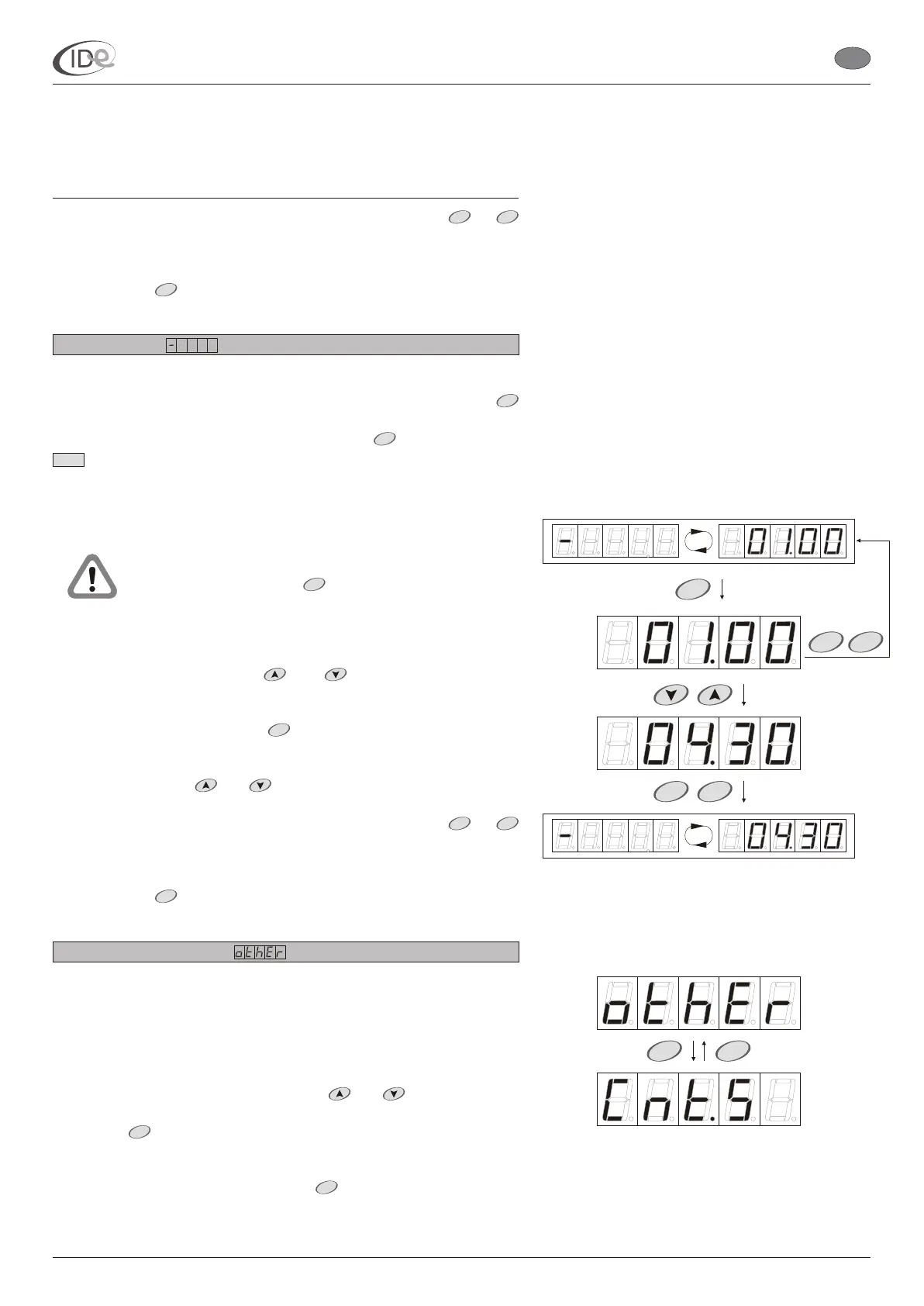
To browse and/or change time delay:
1. When the controller is in the programming mode (see page 5),
select Time delay option with buttons.
2. To change the setting, press button. Time delay setting
.
3. Set new value with buttons.
4. To save new setting in the temporary memory, press or
buttons.
To leave the programming mode and save new setting in the long term
memory, press button or wait 60 seconds.
2.3. Advanced functions
There are two submenus in the Advanced functions submenu:
Protected settings, which access to requires entering the code; and
Counters presentation.
To access Advanced functions submenu:
1. When the controller is in the programming mode (see page 5),
select Advanced functions submenu with buttons.
2. Press button. Counters presentation submenu will be
displayed.
To leave the programming mode, press button or wait 60 seconds.
Time delay is the time necessary for the client to prepare for session.
The time delay is counted down from the moment of pressing
button in the controller, confirming the set session time. During the
time delay it is possible to turn on the lamps with in the controller or
button in the sunbed. After the passage of the time delay, the
sunbed turns on automatically.
The time delay
symbol and the time delay setting is displayed alternately.
will be
displayed
and
and
and
START STOP
MENU
START
START
START
START
START
START STOP
MENU
START
MENU
P
START
STARTSTOP
START
STOP
P
START
STOP
I.D.E. Systemy Elektroniczne 6
I.D.E. e1.01 sunbed controller
EN
PageVersion 1.1 07/2005
Part II Operating manual
2. Programming mode



 To Next Page