MiniPad – rPad User Guide
26
© 2015-2017 – Identix Inc. All Rights Reserved.
4) After saving the configuration file on Notepad, the device will reboot and enter in “DFU
mode”. The “Identix” drive will dismount and your will no longer have access to the
configuration file.
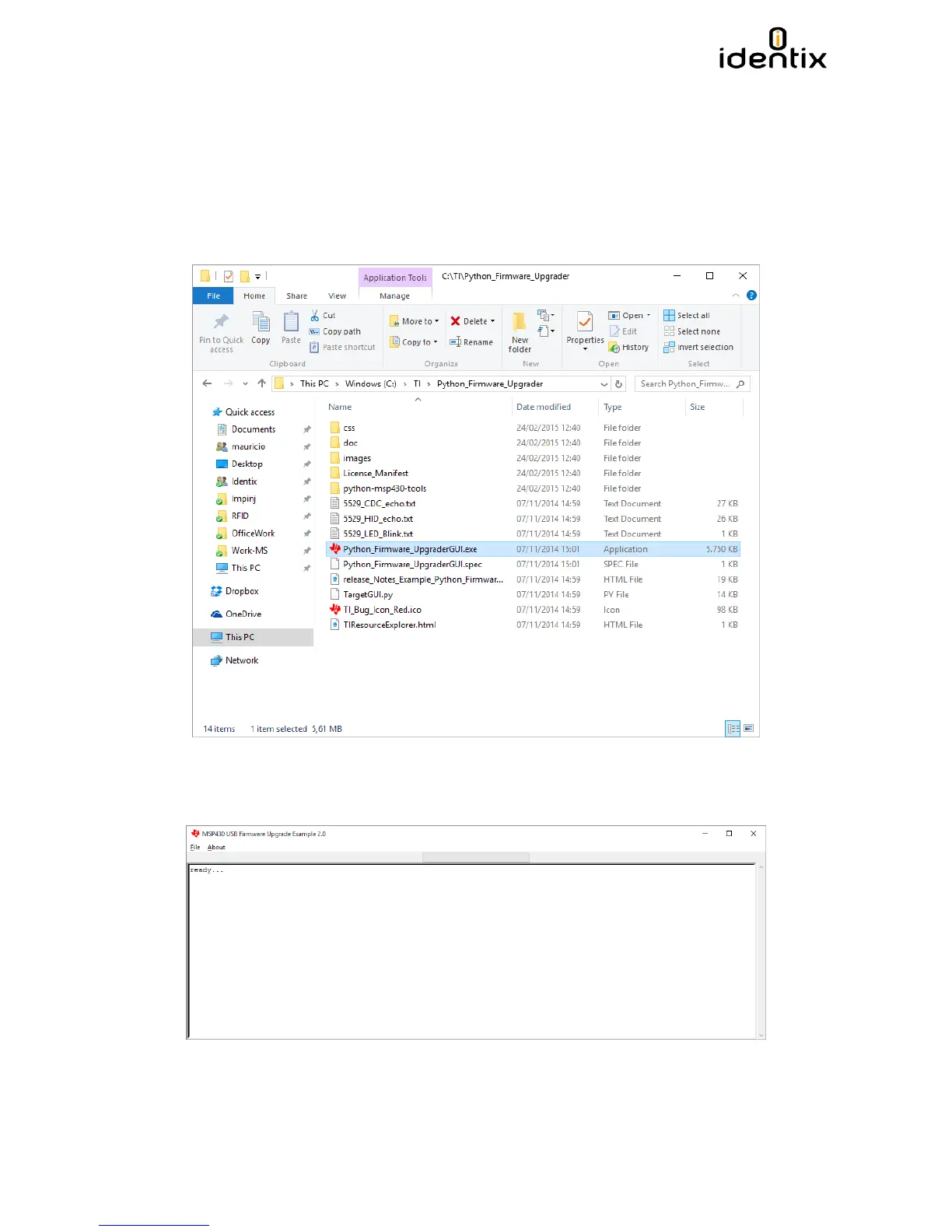
5) Locate the “Python_Firmware Upgrade”. Identix provides this utility on a zipped file. Create
a folder and unzip all content of the zip package inside it. Execute the file
“Pyton_Firmware_UpgradeGUI.exe” by double clicking over it.
6) Once the program is executed, a scree like the one below must be displayed. The program
will automatically recognize the MiniPad / rPad device and a “ready….” Message will be
displayed.


 To Next Page