17
I’m experiencing issues with the iDevices Connected app for my
Android device.
The iDevices Connected app requires Android version 4.3 or higher to
operate.
If you are experiencing a problem with the iDevices Connected app for
Android, please try following the steps below to resolve any potential
problems on the device-side.
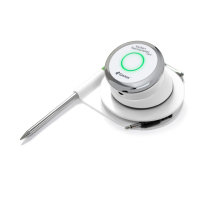
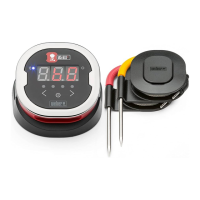
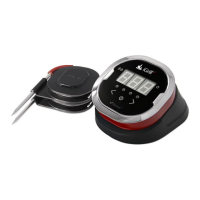
• Make sure the Kitchen Thermometer is paired with your Android
device via Bluetooth and a temperature probe is plugged into the
unit.
• Go to your app manager and quit out of the iDevices Connected
app
• Re-open the iDevices Connected app by tapping the app icon.
If you are still experiencing a problem after completing these steps, please
contact our customer support team for further assistance.
Frequently Asked Questions:
I don’t have a device with which to pair my Kitchen Thermometer,
can I still use it?
Yes, the Kitchen Thermometer has a display to show its temperature
readings and it can be used to view the current temperature from the
inserted probes. The alarm settings, timer tool, globe tool, graph tool and
probe renaming features for the Kitchen Thermometer require the use of
the iDevices Connected app and a compatible Bluetooth Smart Ready
device.
What should I do if I’m having trouble connecting?
If the rst pairing seems to be taking a long time or fails, please ensure
that you are using the iDevices Connected app to pair your Kitchen
Thermometer. The iDevices Connected app handles the connectivity of the
Kitchen Thermometer, so it will not appear in your device’s Bluetooth menu



 To Next Page