FORM-ENG-0018 REV A 05-27-03
607 NW 27th Ave
Ocala, FL 34475
Ph: 352-629-5020 or 1-800-533-3569
Fax : 352-629-2902 or 1-800-520-3473
S U I T A B L E F O R E X T E R N A L D I S T R I B U T I O N
OPERATION MANUAL
MANUAL P/N:118253 PRINTED: 6/12/19
LRRR RLLL address 4). All REMOTE displays that are to mimic the MASTER display must have their addresses
matching the MASTER’s.
The display can also be configured to mimic a Class 1 Pump Sensor Module (p/n 111097) by entering the
password for the desired tank (LRRR LRLL PCM tank 1, LRRR RLRL PCM tank 2, LRRR RLRR PCM tank 3).
3.8. Configure a custom message scroll
The ITL40 scrolls a custom message during start-up. The default scroll text is “Class 1” but the text can be custom
configured to a desired message (maximum of 21 characters allowed).
List of available characters.
Enter the password LLLL LRLR and the display will show the first available character - “A”.
Use the LEFT and RIGHT magnetic switches to enter the desired text.
• The LEFT magnetic switch changes the character. Each LEFT switch activation moves forward or backward
through the available characters. Wait two seconds between switch activations and the direction reverses.
• The RIGHT magnetic switch saves the displayed character to memory.
There are three methods of exiting…
• Save two SPACE characters in a row.
• Configure the maximum number of characters (21).
• Turn OFF power to the ITL40.
The custom message scroll can also be configured through a CAN message. Contact Class 1 for details.
3.9. Use the display reference mark
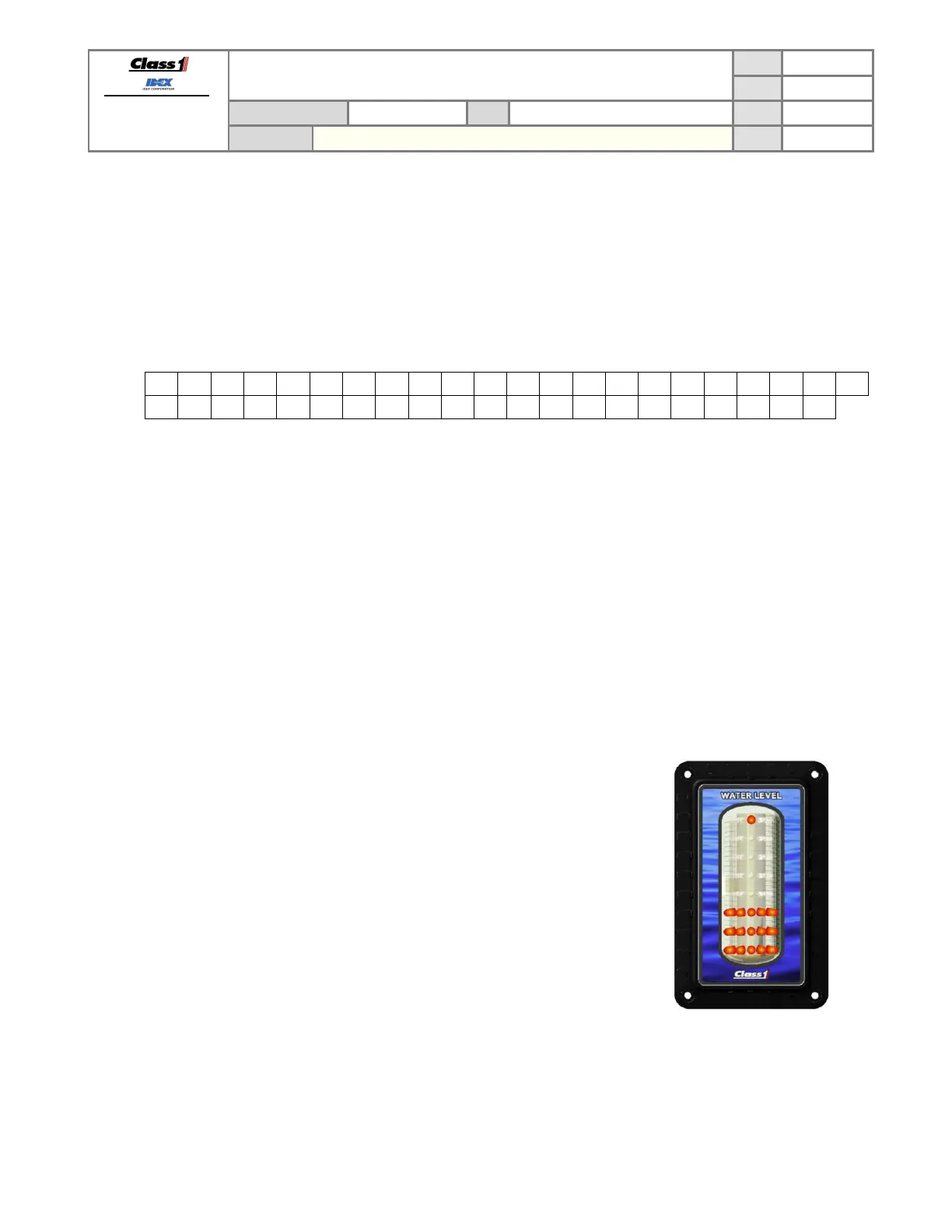
The level the ITL40 shows may be difficult to distinguish at a distance for some
viewers. The ITL40 can be configured with a reference mark at the top of the
display (single LED ON) which will help quickly determine level.
• Enter the password LLRR RRRR to turn the reference mark ON.
• Enter the password LLRR LLLL to turn the reference mark OFF.
The default for the reference mark is OFF.


 To Next Page