22 iDirect Evolution X5 Satellite Router Installation and Safety Manual
Evolution X5 Satellite Router Rear Panel
The RJ-45 Console, and LAN A pin assignments are listed in Table 9.
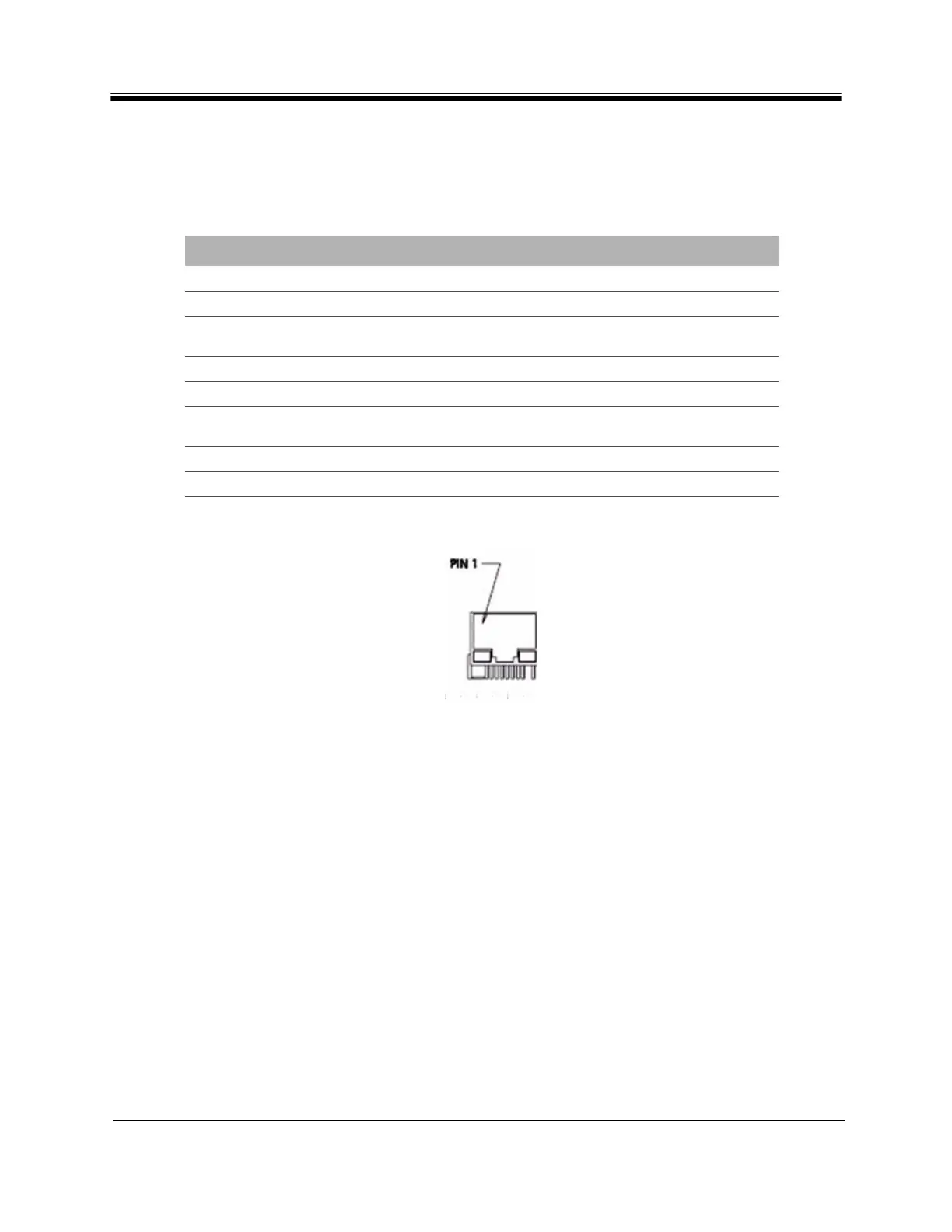
A diagram of the pin numbering scheme is shown in Figure 6.
Figure 6. Port Pin Numbering
The LAN A port is normally assigned to the WAN (towards the VPN). Its IP address is the next
hop for the VPN.
Table 9. RJ-45 Pin Assignment
PIN SIGNAL NAME DESCRIPTION
1 Not Connected Do not connect
2 Reserved (Tx) Do not connect
3 Transmit Data (TxD) RS-232 voltage level compliant transmit data signal
for debug use only
4 Ground (GND) Ground
5 Ground (GND) Ground
6 Receive Data (RxD) RS-232 voltage level compliant receive data signal
for debug use only
7 Reserved (Rx) Do not connect
8 Not Connected Do not connect



 To Next Page