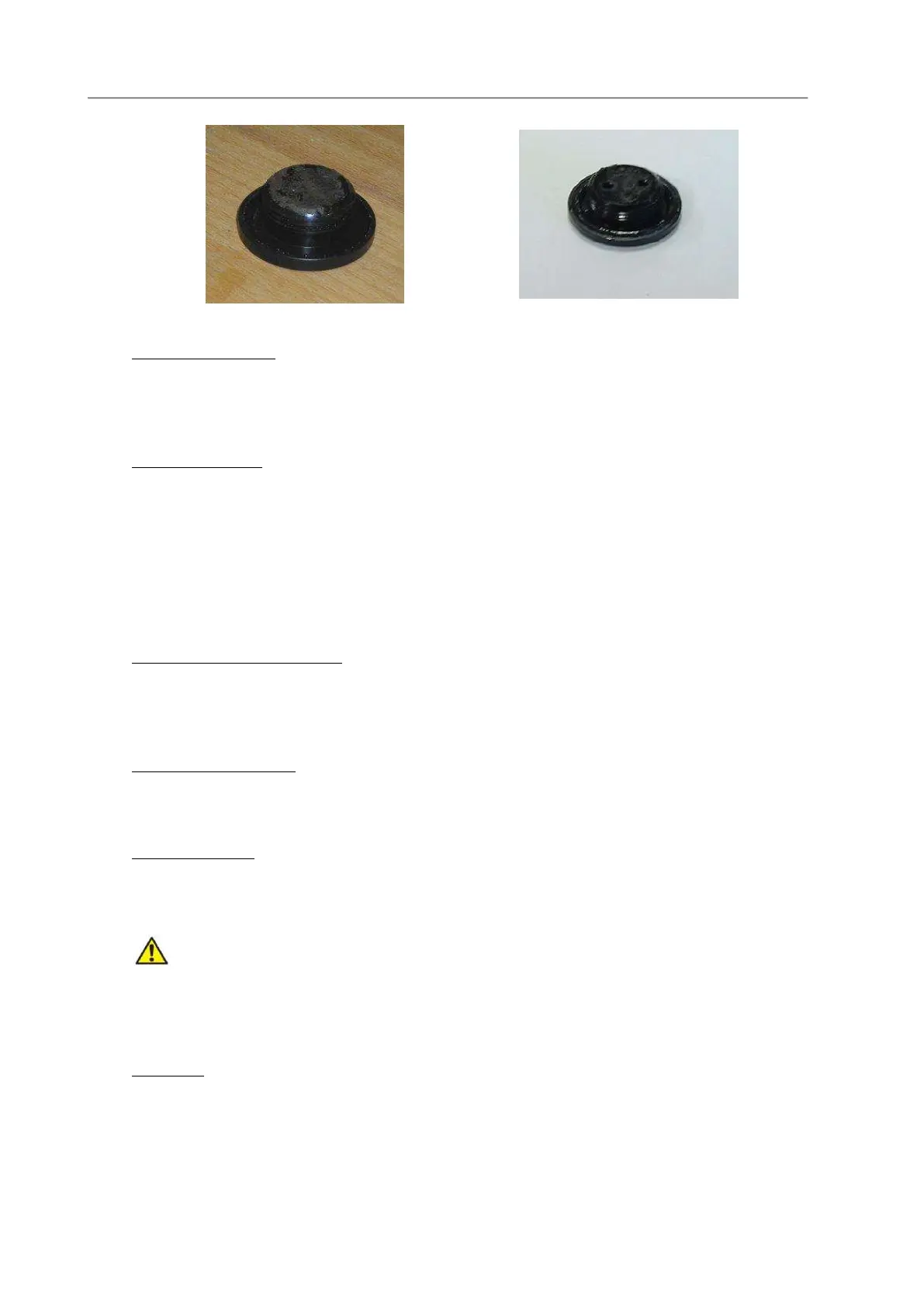
L.2.2 Temperature Sensor
The temperature sensor is almost maintenance free; however, we suggest cleaning it once a year with
sandpaper (3M, 400 grid) - which is included in the Oxygen Maintenance Kit - to remove carbonate
which, if present, will greatly increase its time constant.
L.2.3 Conductivity Cell.
The IDRONAUT conductivity cell has the advantage that it can be used both in clean and unclean water
without fear of contamination. When the conductivity cell is not in use, it is kept dry.
Should cell contamination occur, it can be easily cleaned (even with up to 30% hydrochloric acid)
without affecting the conductivity cell performance or requiring re-calibration. To clean the
conductivity cell, use common cotton buds. The cleaning can be done using the Idronaut “Conductivity
Sensor Cleaning Solution” or a non-ionic detergent like Triton X-100. At the end of cleaning, rinse very
well the conductivity cell with tap, deionized or distilled water.
L.2.4 Polarographic Oxygen Sensor
At the end of the OCEAN SEVEN 3xx general cleaning, remove the oxygen sensor cap, clean and wash
it again if needed, then refill the cap with oxygen electrolyte. If mechanically damaged or stressed,
replace the measuring membrane too, usually the green one.
L.2.5 Optical Oxygen Sensor
At the end of the OCEAN SEVEN 3xx general cleaning, remove the blue cap and clean the membrane
using a 3 % H2O2, ethanol or a soap solution. Gently wash the membrane using a soft brush.
L.2.6 Reference Sensor
At the end of the OCEAN SEVEN 3xx general cleaning, install the hydration cap to keep the reference
sensor hydrated. Fill the hydration cap by about 1/3 with the Idronaut “Reference Sensor Storage
Solution”. During insertion, the cap should be squeezed in order to limit the formation of air bubbles.
If the sensor has been exposed to air for a long time (days) without its protective cap or if the solution in
the cap has in the meantime evaporated, the solid electrolyte of the sensor may have contracted thus forming an
internal air bubble by the junction hole. In that case, the sensor must be replaced if pH calibration is not achievable
any more (open circuit).
L.2.7 pH sensor
At the end of the OCEAN SEVEN 3xx general cleaning, install the hydration cap to keep the pH sensor
hydrated. Fill the hydration cap by about 1/3 with the pH7 Buffer Solution or distilled water. During
insertion, the cap should be squeezed in order to limit the formation of air bubbles.



 To Next Page