IDS1600 USER MANUAL NO. 700-146-01D ISSUED NOV 2002 VER 2.17 39
IDS1600 USER MANUAL
5. Repeat steps 3 and 4 until chime zones are cancelled.
6. Press [#] to exit the Chime Zone Mode.
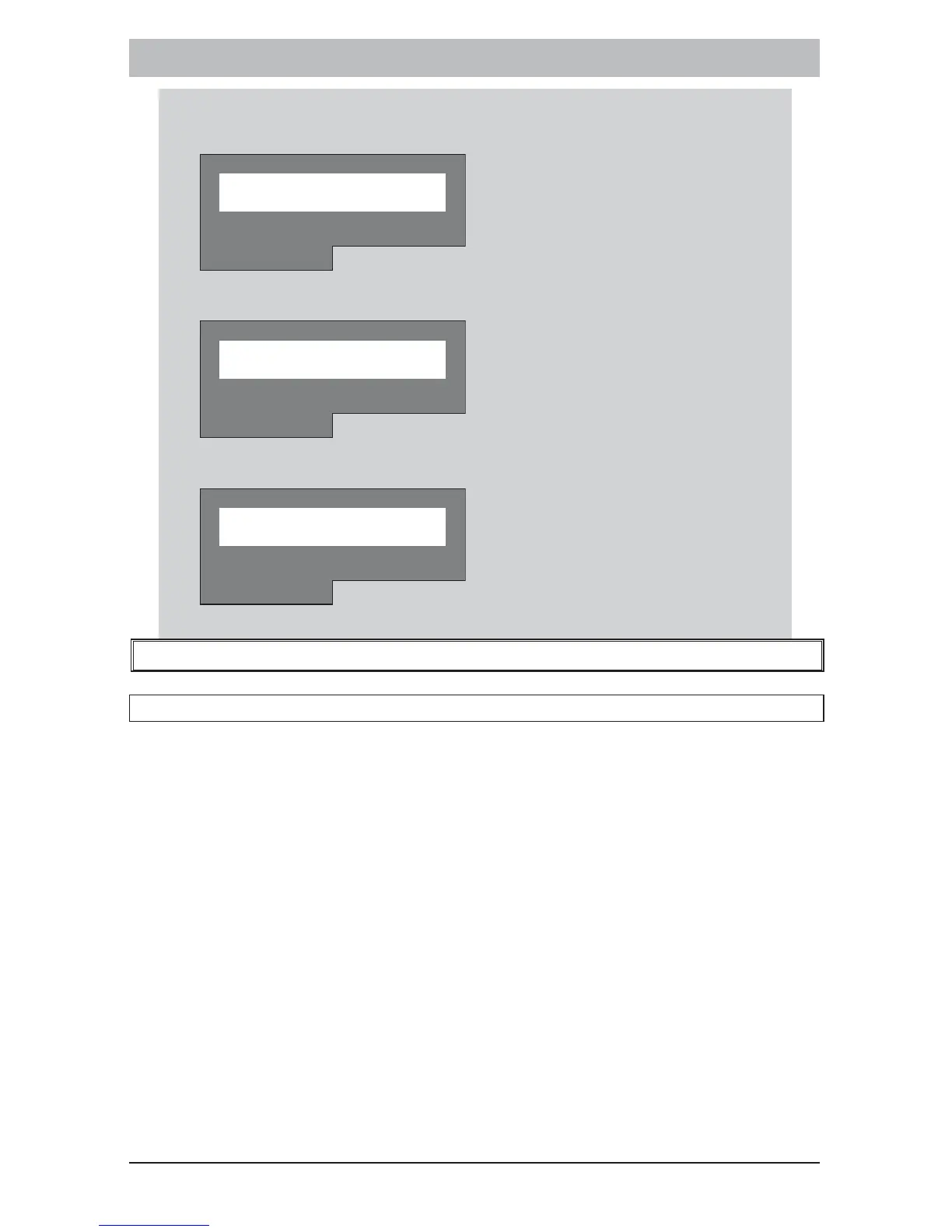
Z O N E M E N U
MRA ELBUORT
7. Press [#] to exit the Zone Menu.
M A I N M E N U
MRA ELBUORT
8. Press [#] to exit the Main Menu.
0 1 / 0 1 / 9 9 0 : 0 4
R E A D Y MO N
MRA ELBUORT
15. LCD Keypad Menu Navigation
15.1 Main Menu
1. To enter the Main Menu hold down the [] key until the keypad
buzzer sounds.
2. Use the [MODE/ menu >] and [Fire/ < menu] keys to scroll
through the menu items and press [] to select a menu item.
3. If entering the View sub menu or Zone sub menu, use the [MODE/
menu >
] and [Fire/ < menu] keys to scroll through the menu
items and press [] to select a menu item.
NOTE:
Please see overleaf for diagram illustrating the LCD keypad menu
structure.



 To Next Page