30 IDS1600 USER MANUAL NO. 700-146-01D ISSUED NOV 2002 VER 2.17
IDS1600 USER MANUAL
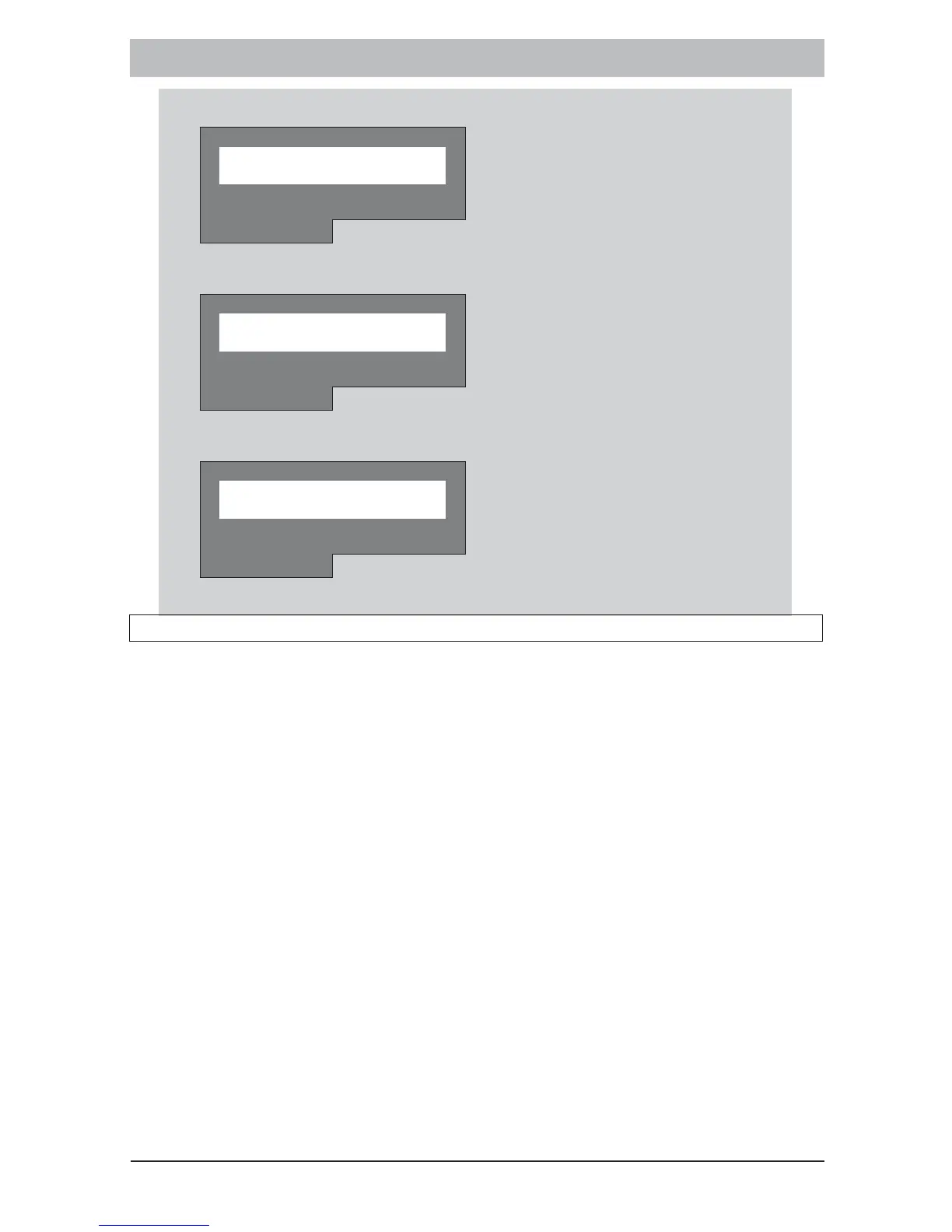
6. Press [#] to exit the Stay Zone Mode.
Z O N E M E N U
MRA ELBUORT
7. Press [#] to exit the Zone Menu.
M A I N M E N U
MRA ELBUORT
8. Press [#] to exit the Main Menu.
0 1 / 0 1 / 9 9 0 : 0 4
R E A D Y MO N
MRA ELBUORT
12.2 To Cancel the Stay Zones
[3] + [ZONE NUMBER] + [] + [#]
If an area programmed as a STAY zone will no longer be violated
during STAY arming, then the STAY status of such a zone should be
cancelled. This will allow the system to protect that area during a stay
arm cycle.
1. Ensure that the READY indicator is illuminated.
2. Hold down the [3] key until the keypad buzzer sounds.
3. Press the [NUMBER] corresponding to the STAY zone you wish to
cancel followed by the [] key.
4. The relevant zone indicator will extinguish.
5. Press the [#] key to exit the stay zone programming mode.
NOTE:
The system will automatically exit this mode after 60 seconds.



 To Next Page