4.1.2 Control Panel Key Functions
"ONLINE" key Toggles between "online" to "offline" mode
In the event an incident is indicated by the
audible signal, clears the fault (turns audible
signal off).
"TEST" key Enables the selection of a test document type
in "Offline" mode only.
In "Online" mode only, simultaneously pressing
these keys for at least 2 seconds activates the
automatic ejection of paper.
"RESET" key In the event an incident is indicated by the
audible signal, clears the fault (turns audible
signal off).
"FEED" key Ejects a blank coupon from the stock loaded in
the printer.
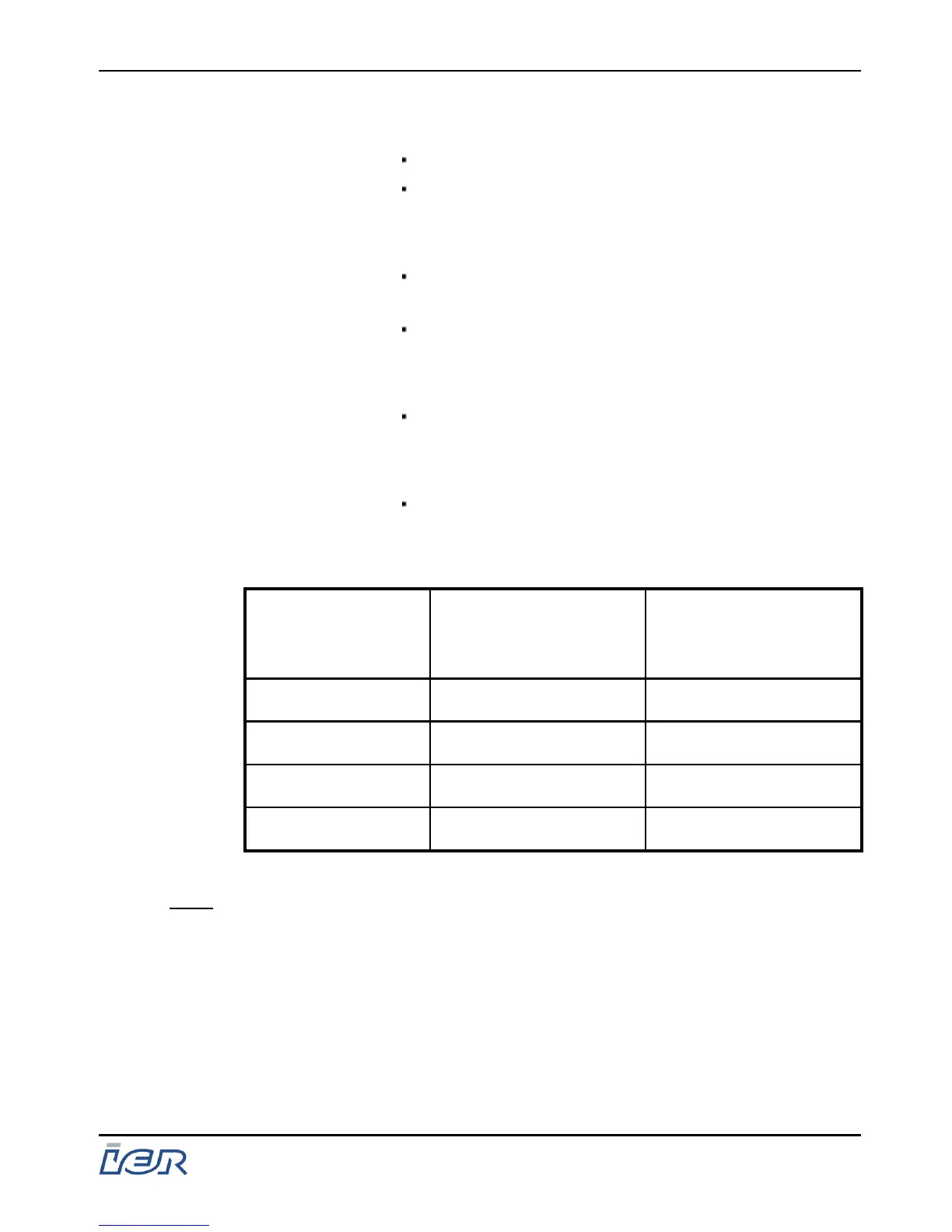
Keys
Front panel with
display and 4-key
control panel
Front panel without
display and 2-key
control panel
"ONLINE" ◆ ◆
"TEST" ◆ ◆
"RESET" ◆ -
FEED ◆ -
Note: Whatever the version of the front panel used, these keys have the
same functions.
IER 400B
User Guide
Ce document est la propiété d'IER et ne doit pas être reproduit ou communiqué sans autorisation écrite.
This document is the property of IER and may not be reproduced or communicated without prior written authorization
Page 31
N0C402B Rev. 1
July 6, 2009



 To Next Page